
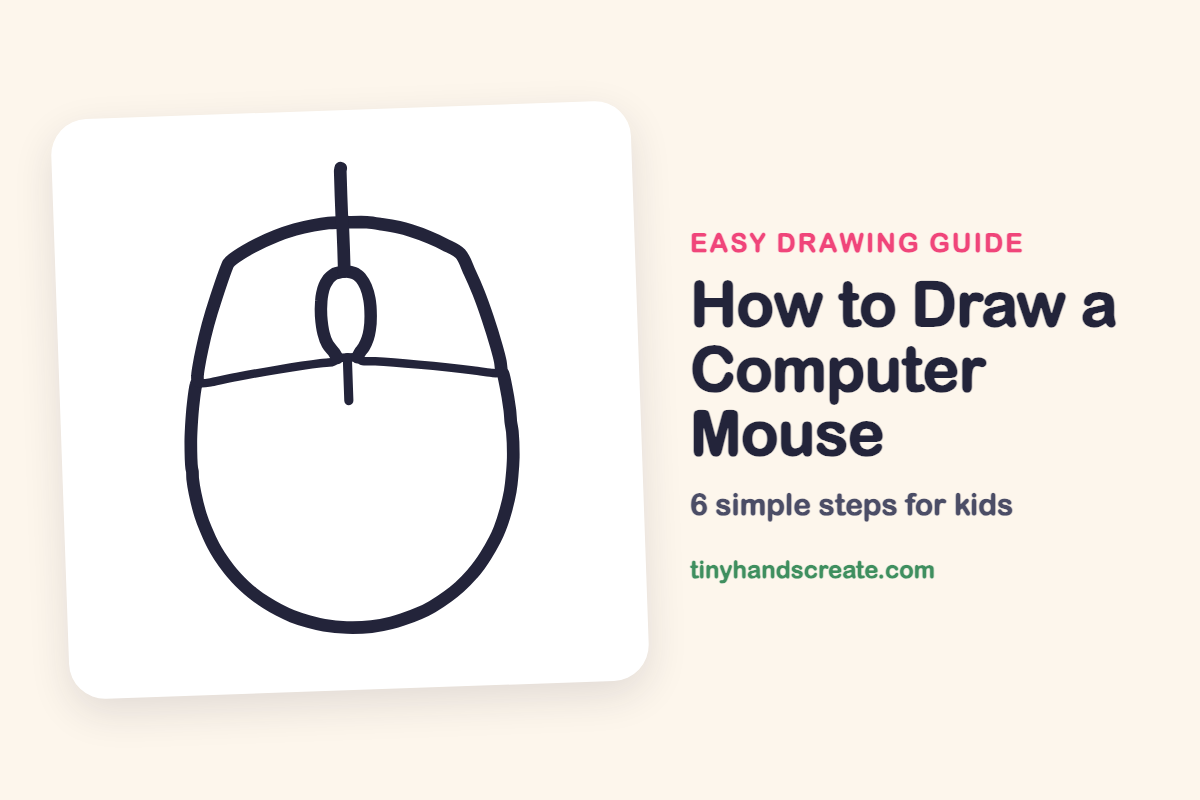
How to Draw a Computer Mouse (Easy Step by Step)
Learn to draw a computer mouse using just a few simple shapes, including a rounded body, a curved line, an oval for the scroll wheel, and two straight lines. This guide helps you practice smooth curves and centering your drawings.
- Begin your drawing with a large, rounded body.
- Add a curved line across the mouse's main shape.
- Create the scroll wheel using a small oval.
- Complete the design with two short straight lines.
- Use this drawing to practice smooth curves and centering.
This post contains affiliate links. As an Amazon Associate I earn from qualifying purchases.
A computer mouse is a great first drawing because it is made from just a few simple shapes. You start with a big rounded body, add a curved line across it, and finish with a small oval for the scroll wheel and two short straight lines. It is a fun way to practice smooth curves and drawing things that sit in the middle.
- Easy
- 8 minutes
- 6 steps
You need: paper, a pencil, an eraser, and crayons or markers for coloring.
Start drawing


In this article (7 sections)
How to draw a computer mouse step by step
How to Draw a Computer Mouse · tinyhandscreate.com
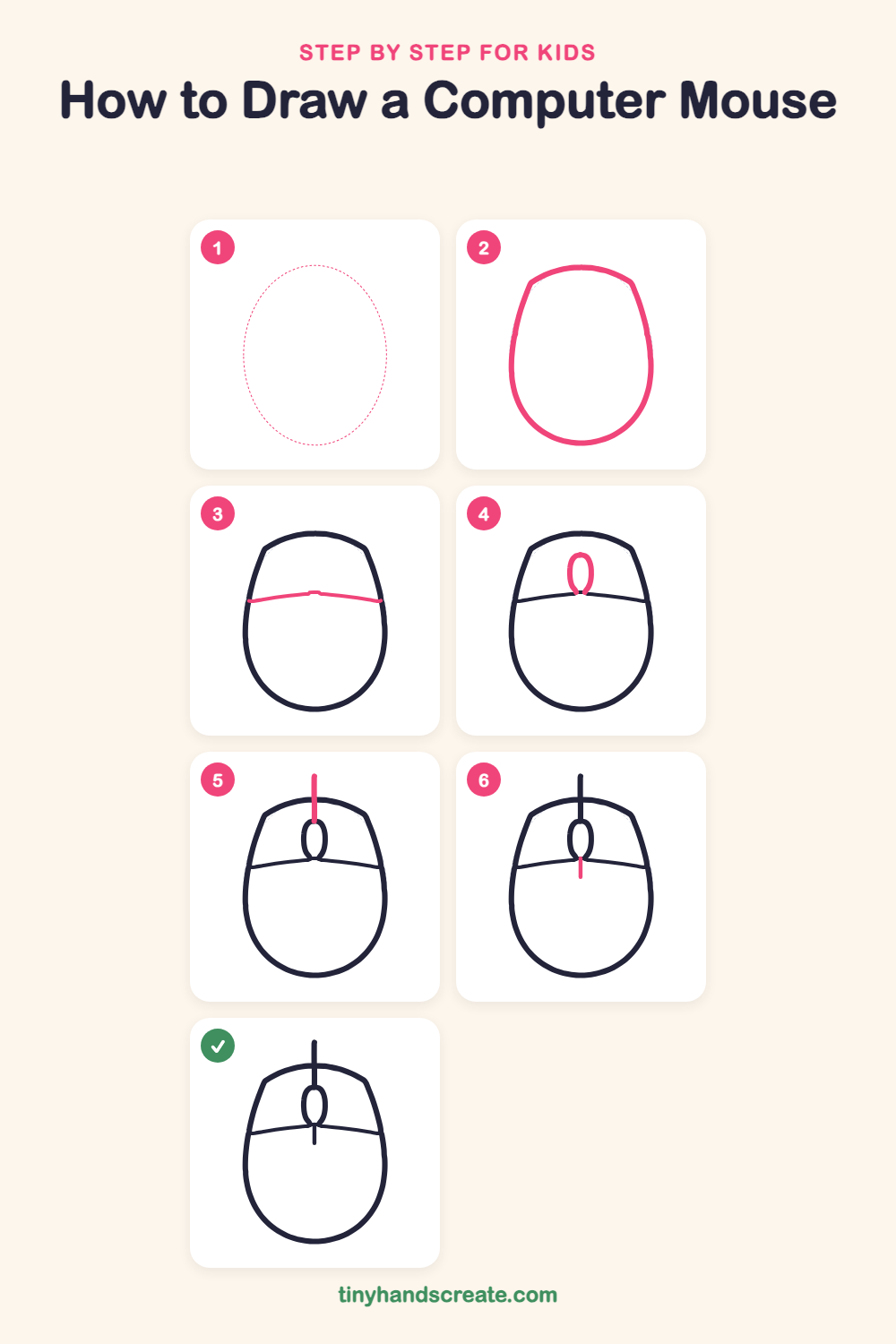
Step 1: Guide shapes
Lightly sketch this oval. It only shows where the big parts go, so press softly. You will erase it at the end.
Step 2: The mouse body
Draw a big rounded shape like an egg that is flatter across the top and wider and rounder at the bottom. Use one smooth, curvy line all the way around.
Step 3: The click line
Draw a gently curved line from the left side of the body across to the right side, about one third of the way down from the top. This splits the mouse into the button area on top and the palm rest below.
Step 4: The scroll wheel
Just above the middle of the click line, draw a small tall oval like a jellybean. Let the bottom of the oval touch the click line.
Step 5: The cord
Draw a short straight line going up from the top of the scroll wheel, through the top edge of the body, and out a little past it. This is the start of the cord.
Step 6: The center divider
Draw a short straight line going down from the bottom of the scroll wheel, just past the click line. It shows where the left and right buttons split.
All done!
Erase the guide shapes, go over your lines, then color it in.
Finished your computer mouse? Keep the pencils out and learn how to draw a rocket or how to draw a shooting star next.
Tips for drawing a computer mouse
- Draw the body lightly first, so you can fix the shape before you press hard.
- The scroll wheel is the trickiest part. Make it small, tall, and skinny, and keep it in the middle so the lines above and below it line up.
- Go slowly for the short straight lines, and start them right at the top and bottom of the oval so they look neat.
Free computer mouse coloring page
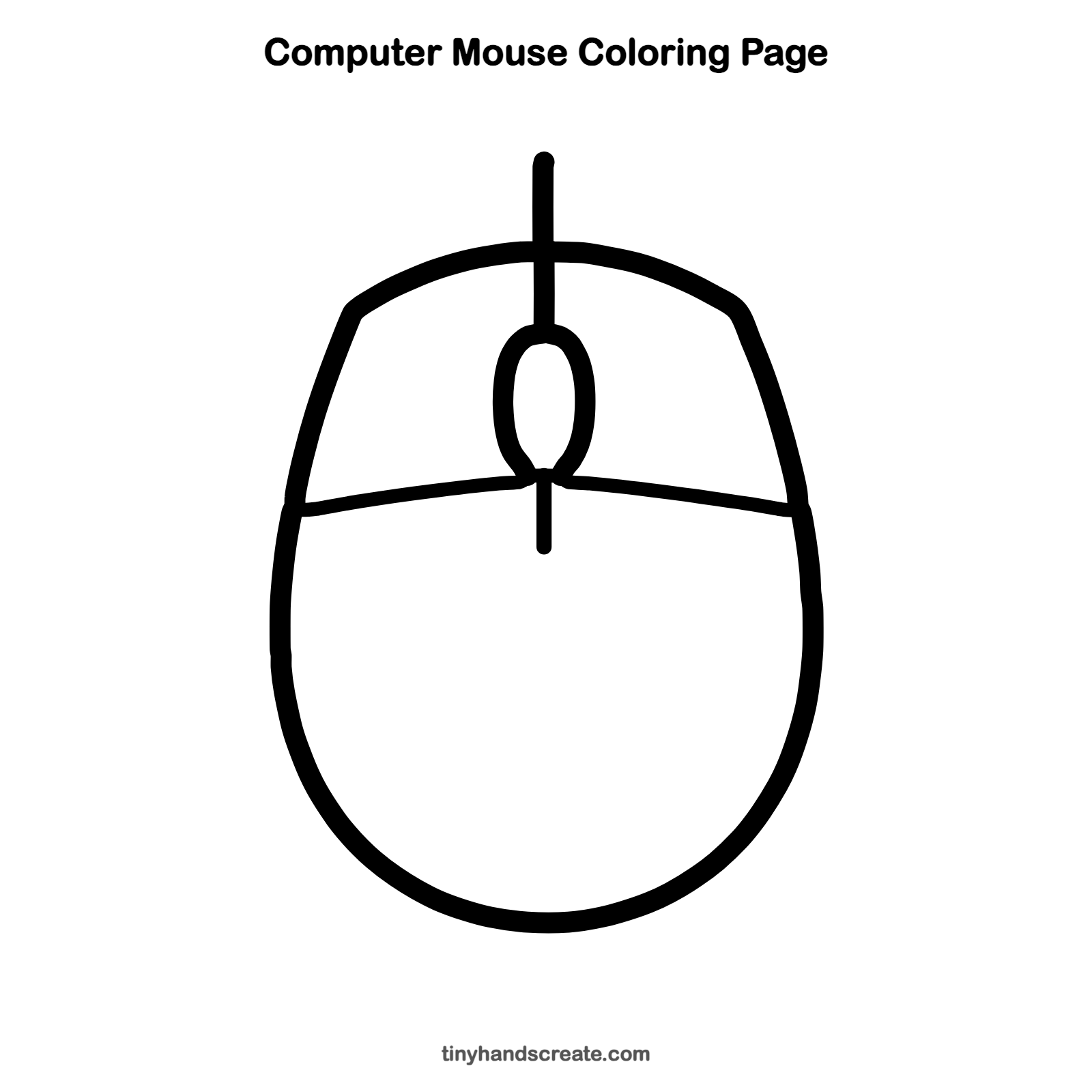
Want to go straight to coloring? Open this computer mouse coloring page at full size and print it. It is the same drawing you just learned, with clean lines ready for crayons or markers.
How to color your computer mouse drawing
Try a bright color like blue, red, or green for the body and a different color for the scroll wheel. For a creative twist, give your mouse a sparkly galaxy or rainbow pattern.
Computer mouse fun fact for kids
The first computer mouse was carved from wood by Douglas Engelbart and his team in the 1960s.
Questions about drawing a computer mouse
What shapes do I need to draw a computer mouse?
You need a rounded egg-like shape for the body, a curved line across it, a small oval for the scroll wheel, and two short straight lines.
How do I make my computer mouse look more real?
Add the cord that runs out from the top, and make the curved line across the body gentle and smooth. Then color it in with your favorite colors.
Is a computer mouse easy to draw for kids?
Yes. It has only a few parts and no tricky details, so most kids can finish it in a few minutes.