How to Draw a Computer (Easy Step by Step)
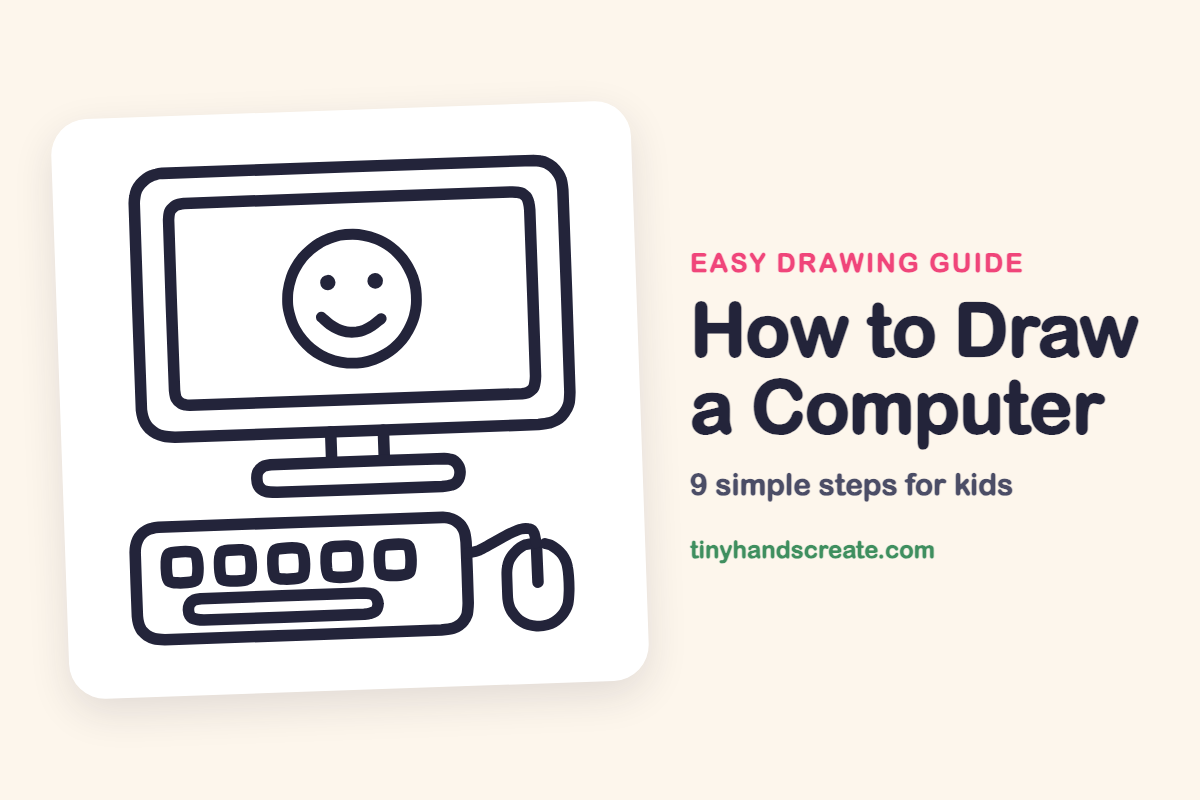
Learn how to easily draw a computer using simple shapes like rounded rectangles, a circle for a smiley face, and an oval for the mouse. This guide helps you practice straight lines and rounded corners, making it a fun first drawing project.
- Start with rounded rectangles for the computer's body and screen.
- Practice drawing straight lines and smooth rounded corners.
- Add a friendly circle for the screen's smiley face.
- Draw a small oval to complete your computer mouse.
This post contains affiliate links. As an Amazon Associate I earn from qualifying purchases.
A computer is a great first drawing because it is made mostly of rounded rectangles, with one friendly circle for the smiley face and a small oval for the mouse. Kids get to practice straight lines, rounded corners, and evenly spaced shapes. The happy face on the screen makes it feel like a character, not just a machine.
- Easy
- 12 minutes
- 9 steps
You need: paper, a pencil, an eraser, and crayons or markers for coloring.
Start drawing


In this article (7 sections)
How to draw a computer step by step
How to Draw a Computer · tinyhandscreate.com
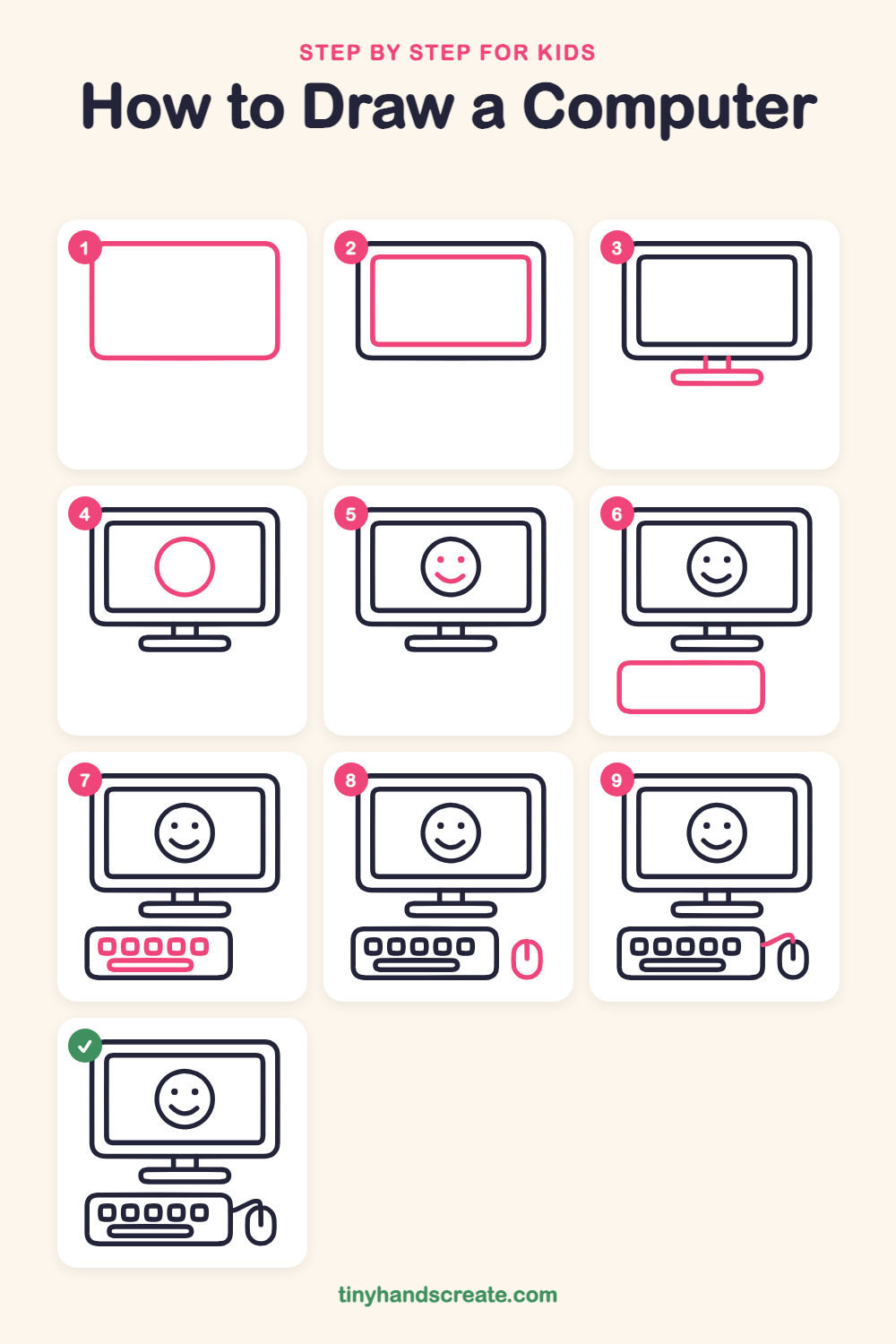
Step 1: Monitor frame
Draw a big rounded rectangle near the top of your page, wider than it is tall, like a picture frame with soft corners. This is the outside of the monitor.
Step 2: The screen
Inside the frame, draw a smaller rounded rectangle with a little space all around it. This is the screen.
Step 3: Stand and base
Under the monitor, draw two short straight lines going down from the bottom edge. Then draw a long, flat rounded rectangle across the bottom of them for the base.
Step 4: The smiley circle
In the middle of the screen, draw a circle for a happy face. Leave some space between the circle and the edge of the screen.
Step 5: Eyes and smile
Inside the circle, add two little dots for eyes. Then draw a curved smile underneath, like a bowl that is open at the top.
Step 6: Keyboard outline
Below the stand, draw a wide rounded rectangle for the keyboard. Make it a little narrower than the monitor and much shorter, and leave room on its right side for the mouse.
Step 7: The keys
Draw a row of five small rounded squares inside the top part of the keyboard. Space them out evenly, then draw one long rounded bar below them for the space bar.
Step 8: The mouse
To the right of the keyboard, draw a small tall oval for the mouse. Add a short straight line going down from the top, in the middle, to show the button.
Step 9: The mouse cord
Start at the right side of the keyboard and draw a short, gently curved line that goes up to the top of the mouse. This is the cord that connects them.
All done!
Go over your lines with a marker, then color it in.
Finished your computer? Keep the pencils out and learn how to draw a rocket or how to draw a shooting star next.
Tips for drawing a computer
- Draw the monitor frame first and leave room inside for the screen. Keep the gap between the two rectangles about the same all the way around.
- The five keys are the trickiest part. Make the first key, then copy its size for each one, leaving a small gap between them so they line up in a row.
- Leave a little space to the right of the keyboard for the mouse. Then draw a short, gently curved cord from the keyboard up to the mouse.
Free computer coloring page
Want to go straight to coloring? Open this computer coloring page at full size and print it. It is the same drawing you just learned, with clean lines ready for crayons or markers.
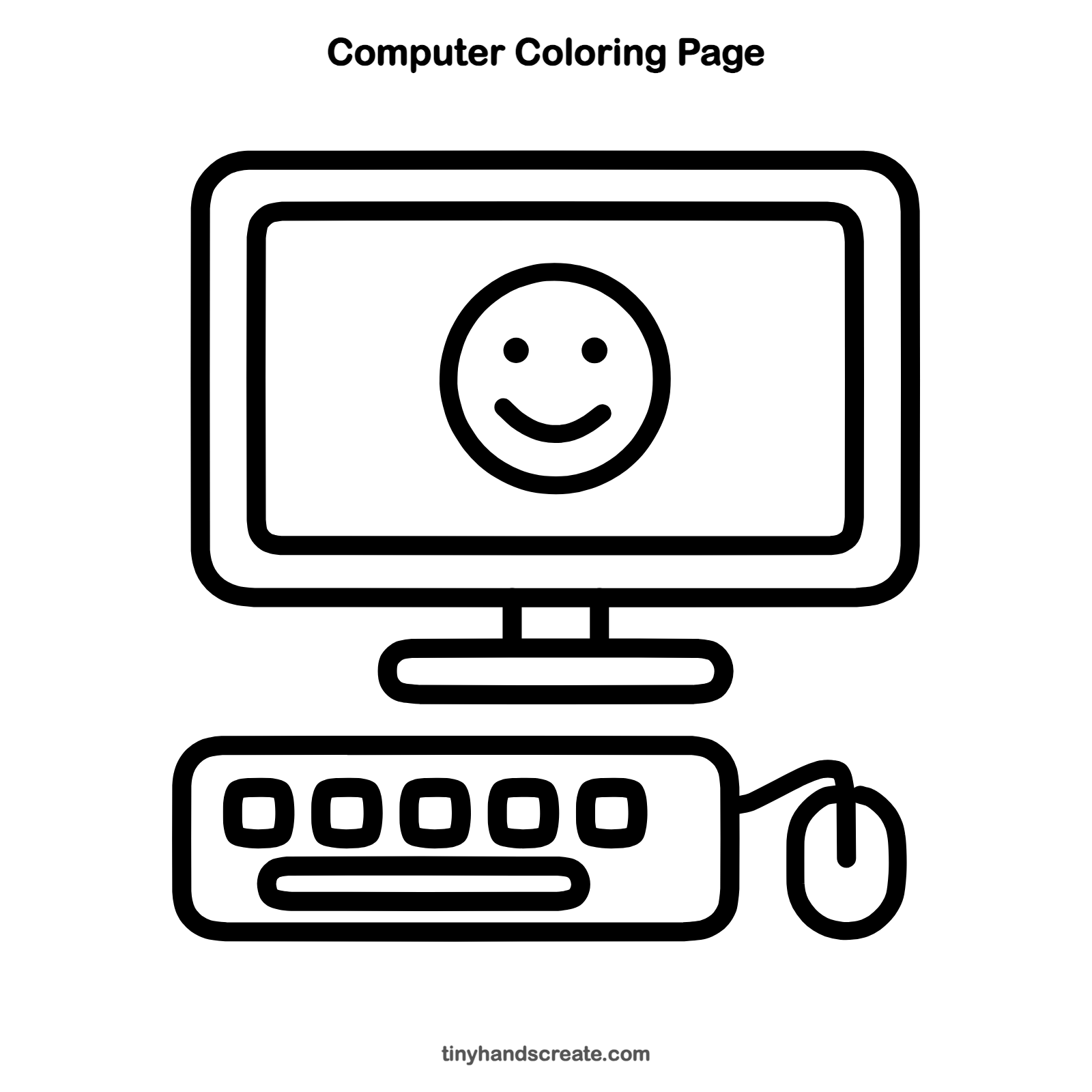
How to color your computer drawing
Try a light gray or blue for the monitor and keyboard, and make the screen a bright color like yellow or light blue. For a creative twist, give each key a different color so the keyboard looks like a rainbow.
Computer fun fact for kids
The first computer mouse was made of wood. Douglas Engelbart and his team built it in the 1960s, and it was called a mouse because its cord looked like a tail.
Questions about drawing a computer
What shapes do I need to draw a computer?
Mostly rounded rectangles for the monitor, screen, stand base, keyboard, and keys. You also need a circle for the smiley face and an oval for the mouse.
How do I make my computer drawing look cuter?
Add two dot eyes and a curved smile on the screen, and use soft, rounded corners everywhere.
How do I draw the keys so they look even?
Draw the first key, then use its width as a guide for the rest. Leave the same small gap between each one so the row looks neat.