How to Draw BMO From Adventure Time (Easy Step by Step)
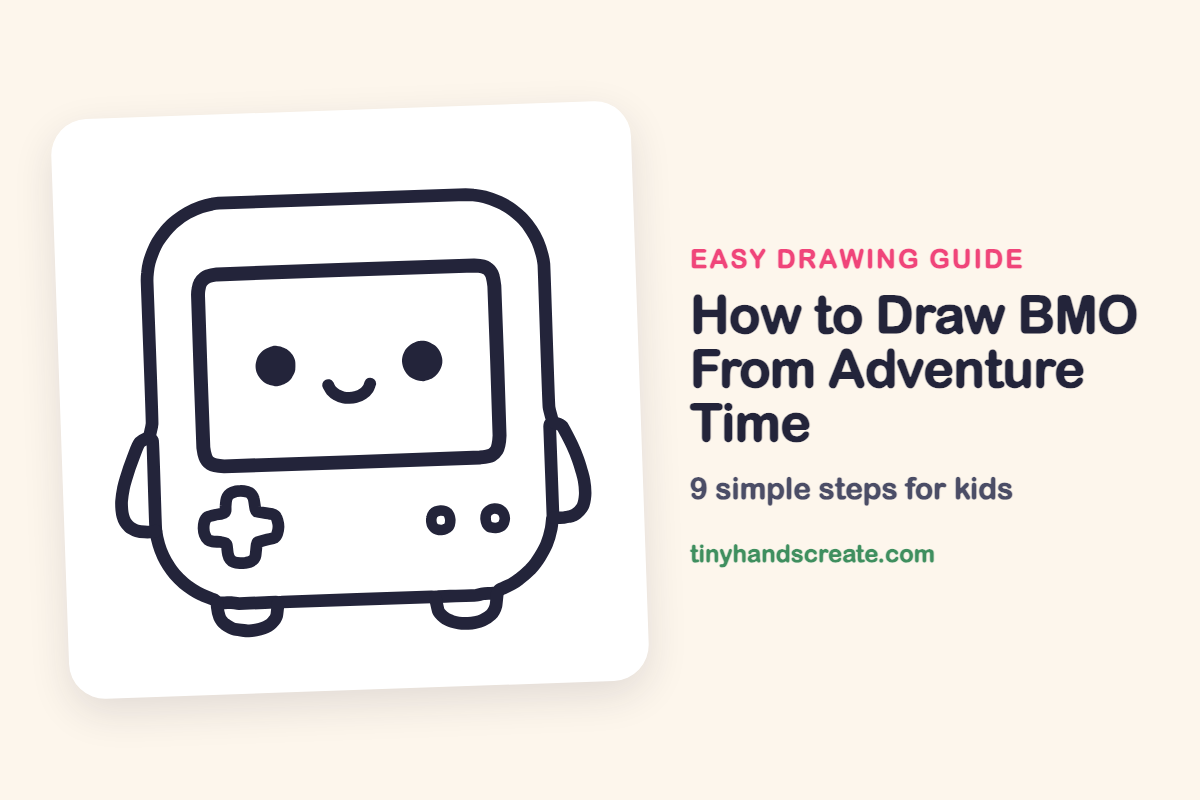
BMO is a friendly little game console with a big smiling screen, and that makes this drawing a joy to make. It is built from simple shapes: a rounded square for the body, a rectangle for the screen, dots for the eyes, a plus sign for the control pad, and small circles for the buttons.
- Easy
- 10 minutes
- 9 steps
You need: paper, a pencil, an eraser, and crayons or markers for coloring.
Start drawingIn this article (7 sections)
How to draw BMO from Adventure Time step by step
How to Draw BMO From Adventure Time · tinyhandscreate.com
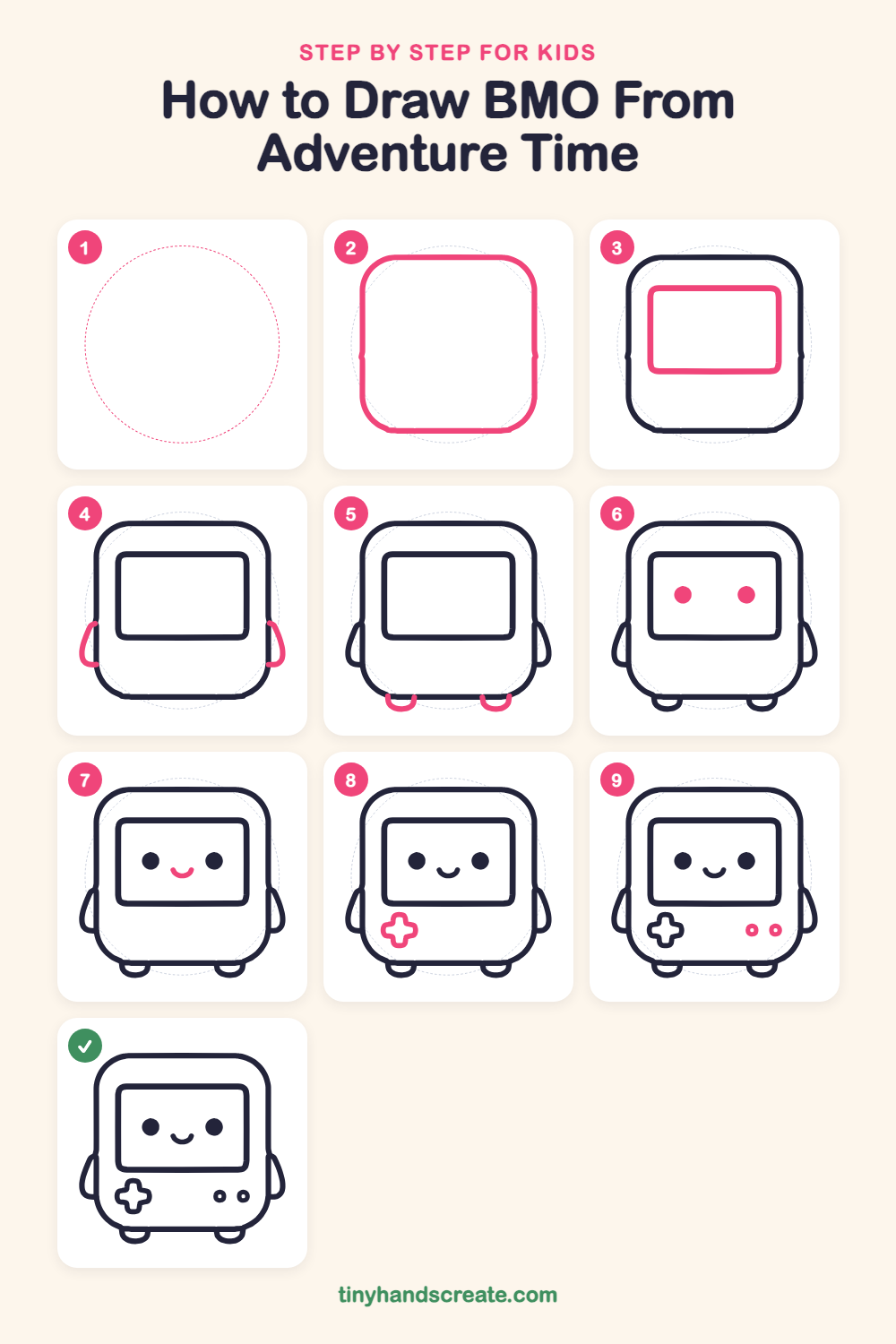
Step 1: Guide shapes
Lightly sketch this oval. It only shows where the big parts go, so press softly. You will erase it at the end.
Step 2: The body
Draw a big square with very round corners, like a soft pillow standing up. Make the sides straight and the top and bottom flat.
Step 3: The screen
Inside the top part of the body, draw a wide rectangle with rounded corners. Leave a nice gap between the screen and the edge of the body.
Step 4: Little arms
On each side of the body, draw a small bendy arm. Start at the body, curve outward and down, then curve back in to touch the body again.
Step 5: Feet
Along the bottom of the body, draw two little U-shaped feet. Start each one on the bottom edge, curve down and back up, and keep them the same size.
Step 6: Eyes
Inside the screen, draw two round dots for eyes. Keep them the same size, at the same height, and far apart.
Step 7: The smile
Halfway between the eyes and a little lower, draw a small curved smile like a tiny bowl.
Step 8: The plus button
Under the screen on the left, draw a fat plus sign. Make all four arms about the same length with rounded ends.
Step 9: Round buttons
Under the screen on the right, draw two small circles side by side. Add a tiny dot inside each one.
All done!
Erase the guide shapes, go over your lines, then color it in.
Finished your BMO from Adventure Time? Keep the pencils out and learn how to draw Hello Kitty or how to draw Minnie Mouse next.
Tips for drawing BMO from Adventure Time
- Draw the body first and keep the corners very round. A square with sharp corners will not look like BMO.
- Leave a gap between the screen and the edge of the body so there is room for the plus sign and buttons below.
- For the plus button, draw a small cross first with light lines, then trace around it so all four arms come out even.
Free BMO from Adventure Time coloring page
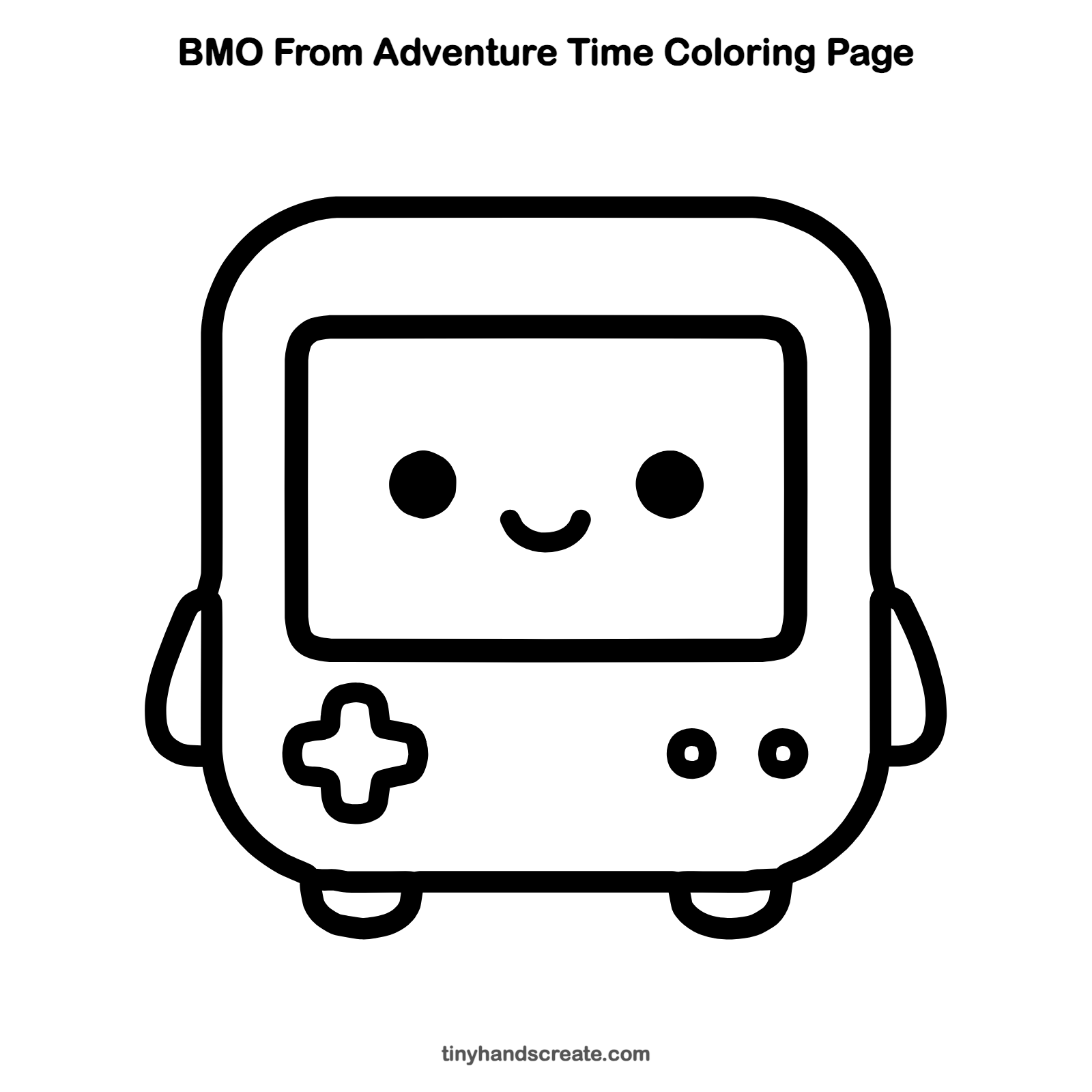
Want to go straight to coloring? Open this BMO from Adventure Time coloring page at full size and print it. It is the same drawing you just learned, with clean lines ready for crayons or markers.
How to color your BMO from Adventure Time drawing
BMO is usually a minty teal-green with a lighter green screen, a yellow plus button, and blue and red round buttons. For a creative twist, give BMO a rainbow screen or draw a tiny game scene on it.
BMO from Adventure Time fun fact for kids
BMO is a living video game console in the cartoon Adventure Time, which first aired on Cartoon Network in 2010.
Questions about drawing BMO from Adventure Time
What shapes do I need to draw BMO?
You need a rounded square for the body, a rounded rectangle for the screen, two dots for the eyes, a plus sign for the control pad, and two small circles for the buttons.
How do I make my BMO look cuter?
Keep the eyes wide apart and the smile small and low on the screen. Short stubby arms and feet also add to the cute look.
Is BMO hard to draw for kids?
No, BMO is a good first drawing. Almost every part is a simple shape, and you can draw them one at a time.
More easy character drawings
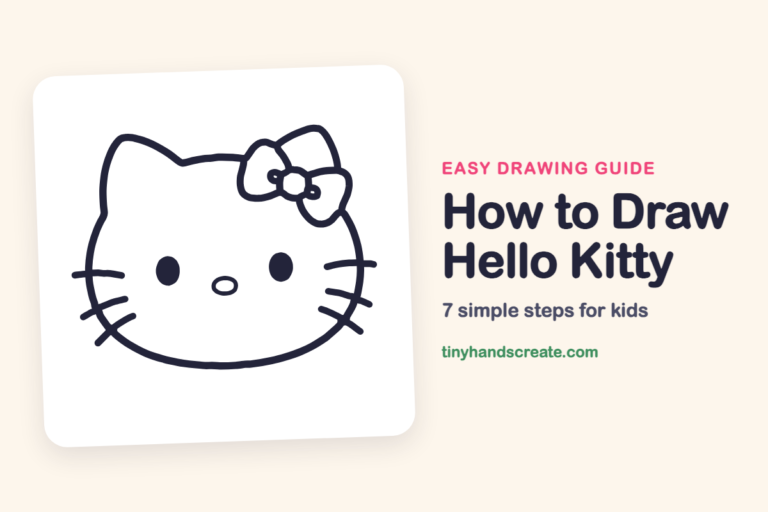 How to Draw Hello Kitty
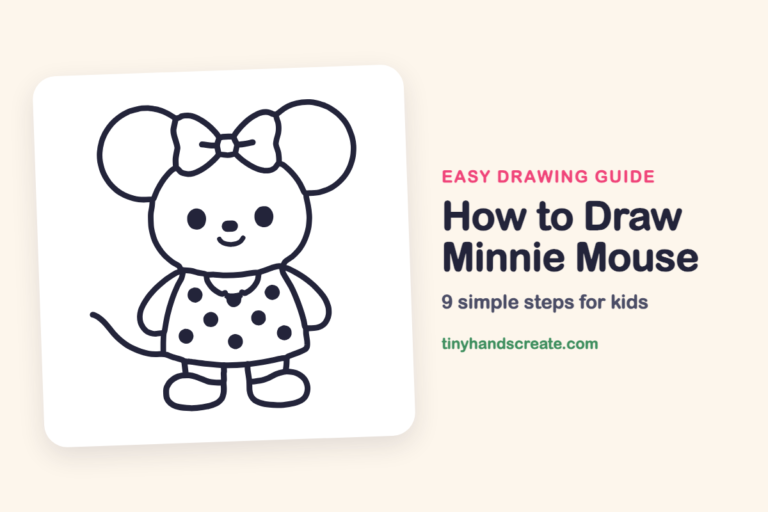 How to Draw Minnie Mouse
 How to Draw Cupcake Chic From Shopkins
 How to Draw a Panda Sitting and Eating Bamboo
 How to Draw a Superhero Girl
 How to Draw a Marmoset
See all easy character drawings or browse every easy drawing guide for kids.
This is an unofficial fan-art drawing guide. BMO from Adventure Time and related names are trademarks of Cartoon Network (Warner Bros.). Tiny Hands Create is not affiliated with or endorsed by Cartoon Network (Warner Bros.).