How to Draw Minecraft Pig (Easy Step by Step)
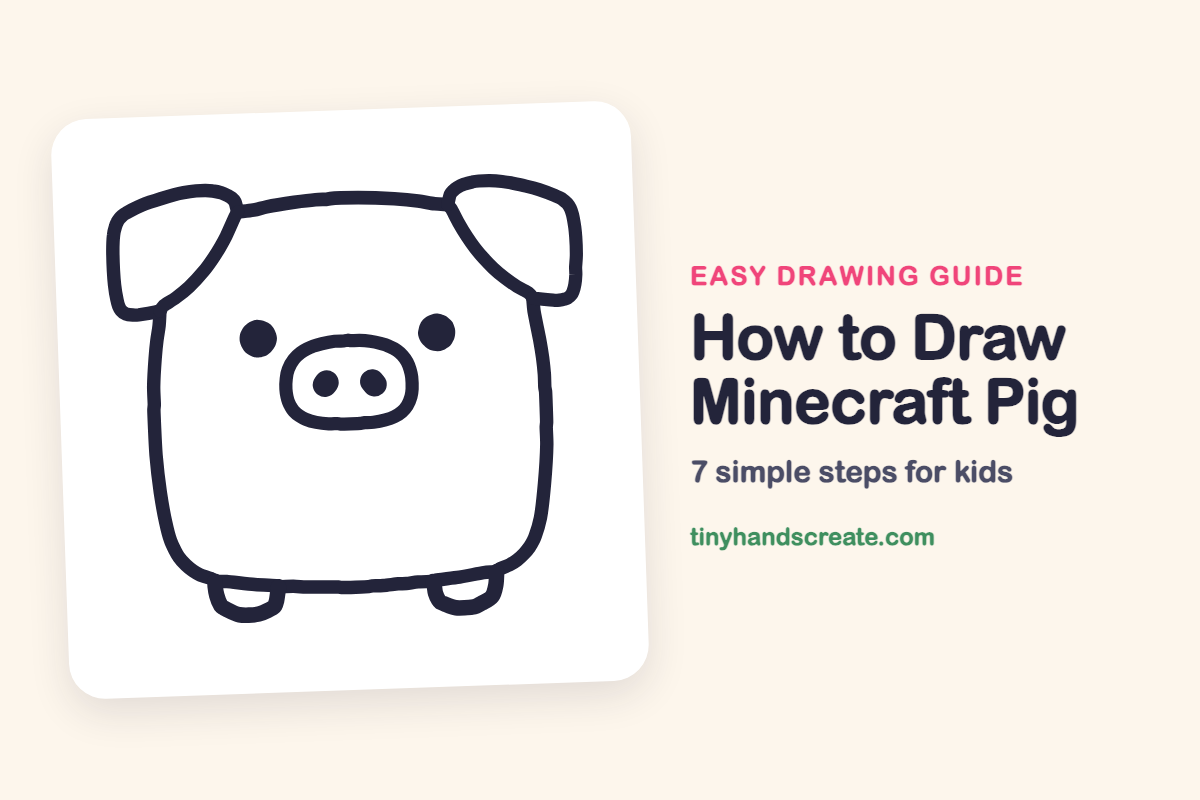
The Minecraft pig is a great first drawing because it is built from simple, blocky shapes. You will start with one big rounded square for the body, then add floppy ears, two round eyes, a wide snout with two nostrils, and two little feet. It is a happy, chubby character that looks good even if your lines are a little wobbly.
- Easy
- 10 minutes
- 7 steps
You need: paper, a pencil, an eraser, and crayons or markers for coloring.
Start drawingIn this article (7 sections)
How to draw Minecraft Pig step by step
How to Draw Minecraft Pig · tinyhandscreate.com
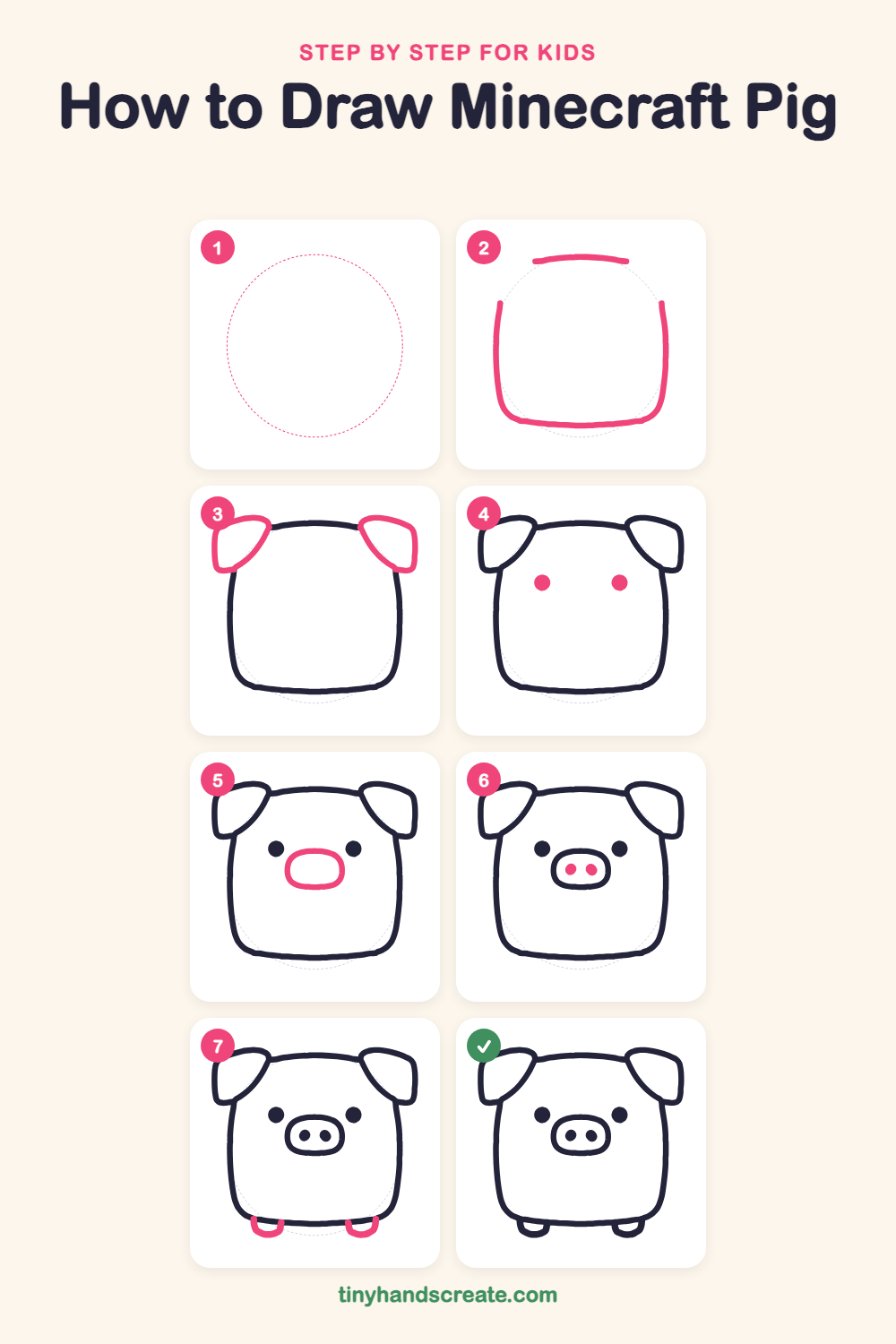
Step 1: Guide shapes
Lightly sketch this oval. It only shows where the big parts go, so press softly. You will erase it at the end.
Step 2: The round body
Draw a big rounded square with soft corners, a little wider at the bottom than the top. Leave small gaps at the top corners where the ears will go.
Step 3: Two floppy ears
At each top corner, draw a rounded, tilted square that flops outward like a folded flap. Let the inside edge of each ear curve down and meet the side of the body.
Step 4: Two round eyes
Draw two solid dots in the middle of the face, up high and with a wide gap between them. Make them the same size.
Step 5: The snout
Between and below the eyes, draw a wide oval with squished sides, like a rounded rectangle. It sits in the center of the face.
Step 6: Two nostrils
Inside the snout, draw two small solid dots side by side. Keep them the same size.
Step 7: Two little feet
Under the bottom of the body, near each corner, draw a small U shape that hangs down. Make both feet the same size.
All done!
Erase the guide shapes, go over your lines, then color it in.
Finished your Minecraft Pig? Keep the pencils out and learn how to draw SpongeBob SquarePants or how to draw Grogu (Baby Yoda) from The Mandalorian next.
Tips for drawing Minecraft Pig
- Sketch the body as a light rounded square first, then trace over it with a firmer line. The corners should be soft, not sharp.
- The ears are the trickiest part. Draw each one as a tilted rounded square at the top corner, and let the inside edge curve down toward the body.
- Place the eyes first and the snout second. Keep the eyes the same height and the snout centered between and below them so the face looks balanced.
Free Minecraft Pig coloring page
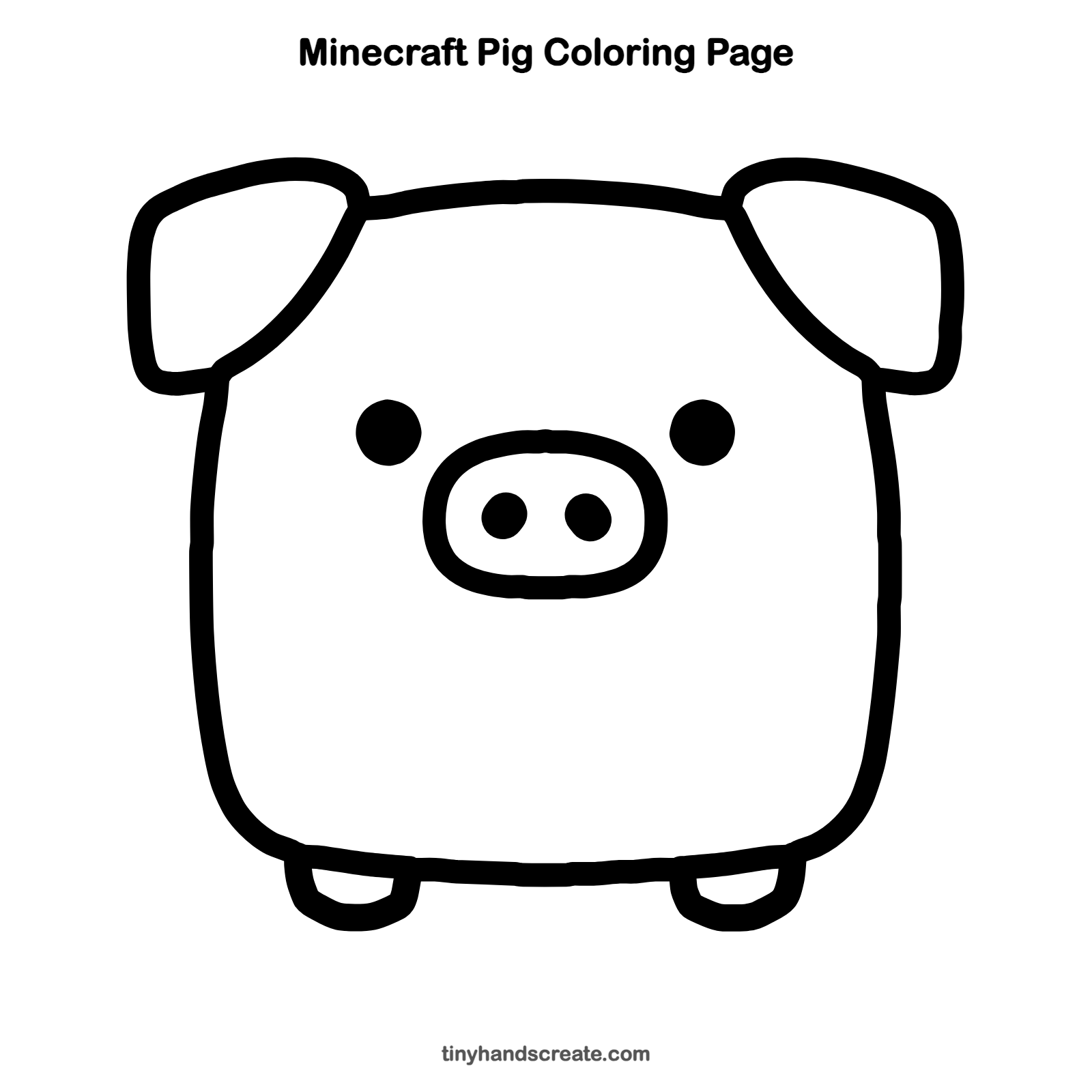
Want to go straight to coloring? Open this Minecraft Pig coloring page at full size and print it. It is the same drawing you just learned, with clean lines ready for crayons or markers.
How to color your Minecraft Pig drawing
Pink is the classic pig color, with a darker pink for the snout and ears. For a twist, try a rainbow pig with a different color on each ear and foot.
Minecraft Pig fun fact for kids
In Minecraft, pigs can be saddled and ridden once you have a saddle, and a carrot on a stick helps steer them. Real pigs are also very smart and can learn their names.
Questions about drawing Minecraft Pig
What shapes do I need to draw a Minecraft pig?
You need a rounded square for the body, two tilted rounded squares for the ears, a wide oval for the snout, dots for the eyes and nostrils, and two small U shapes for the feet.
How do I make my Minecraft pig look cuter?
Make the eyes a little bigger and set them wide apart, and keep the body very round and chubby. Tiny feet under a big body also add to the cute look.
How long does it take to draw a Minecraft pig?
Most kids finish in about 10 minutes. Take your time with the ears, since they take the most care.
More easy character drawings
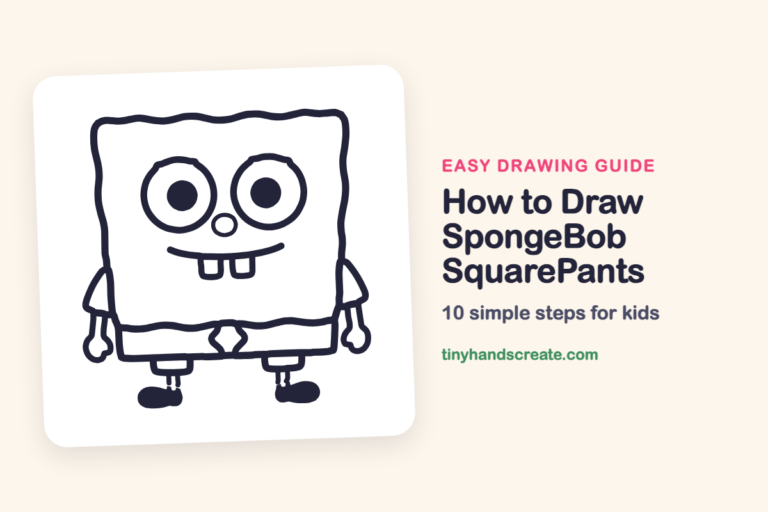 How to Draw SpongeBob SquarePants
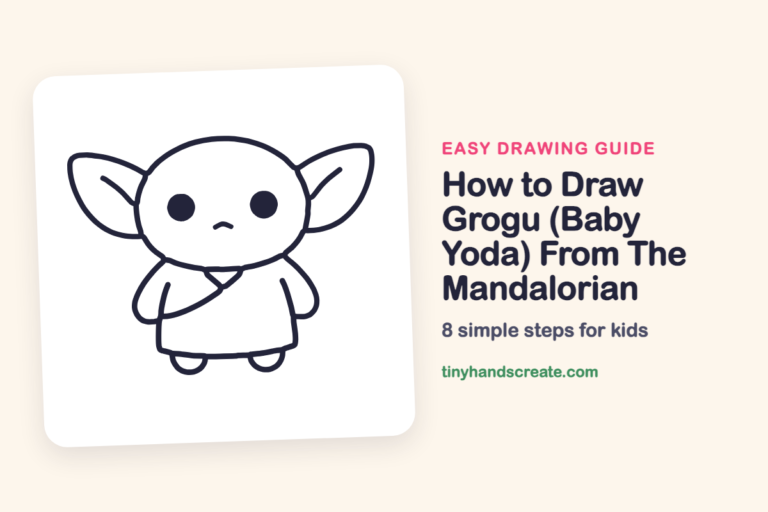 How to Draw Grogu (Baby Yoda) From The Mandalorian
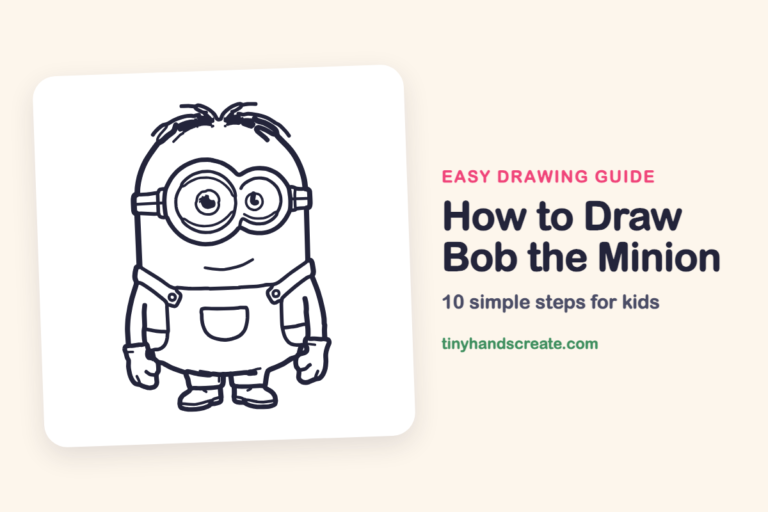 How to Draw Bob the Minion
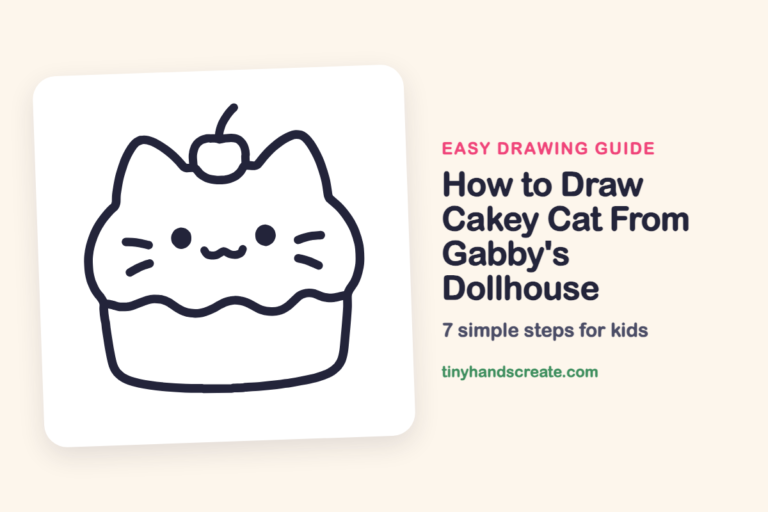 How to Draw Cakey Cat From Gabby's Dollhouse
 How to Draw a Mare and Her Foal
 How to Draw a Zookeeper
See all easy character drawings or browse every easy drawing guide for kids.
This is an unofficial fan-art drawing guide. Minecraft Pig and related names are trademarks of Mojang / Microsoft. Tiny Hands Create is not affiliated with or endorsed by Mojang / Microsoft.