How to Draw a Laptop (Easy Step by Step)
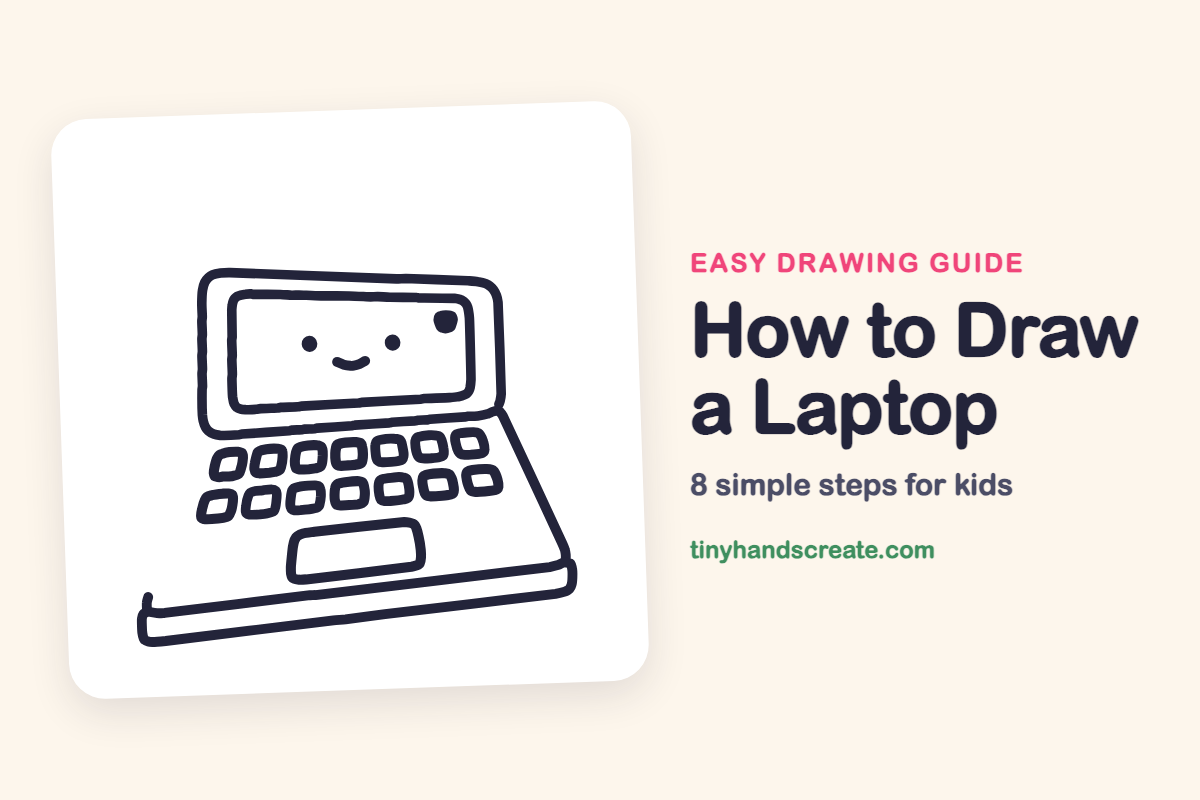
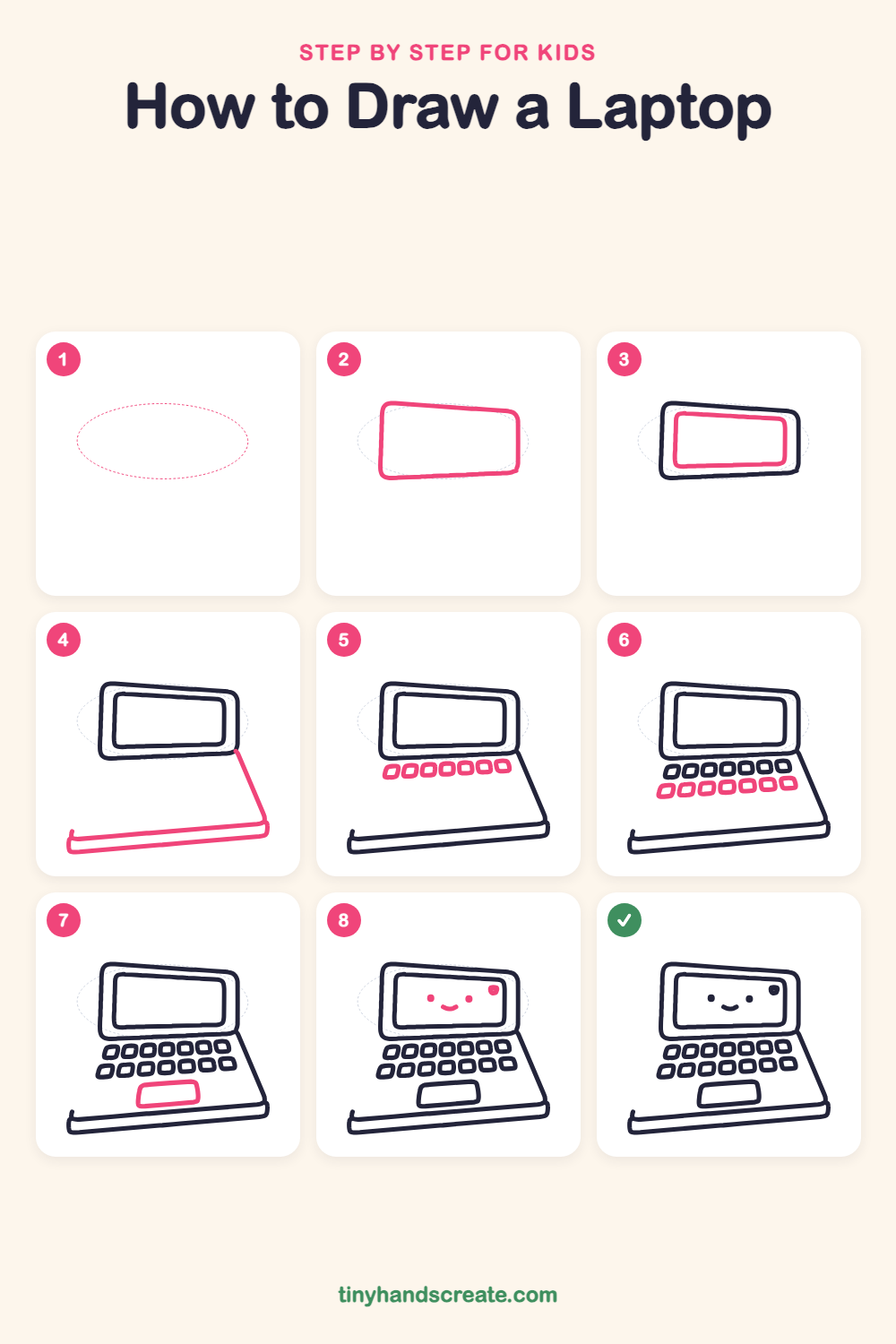
A laptop is a friendly one to draw because it is made almost entirely from rectangles with rounded corners. You will draw a big lid, a screen, a long base edge, rows of little keys and a touchpad, then give it a smiling face so it feels like a pal.
- Medium
- 15 minutes
- 8 steps
You need: paper, a pencil, an eraser, and crayons or markers for coloring.
Start drawingIn this article (7 sections)
How to draw a laptop step by step
How to Draw a Laptop · tinyhandscreate.com
Step 1: Guide shapes
Lightly sketch this oval. It only shows where the big parts go, so press softly. You will erase it at the end.
Step 2: The lid
Draw a big rounded rectangle that is a little wider at the bottom than at the top. This is the lid of the laptop.
Step 3: The screen
Inside the lid, draw a smaller rounded rectangle with the same slight tilt. Leave an even border all the way around it.
Step 4: The base edge
Start at the lower right corner of the lid and draw a slanted line down and to the right. Then draw a long, thin, flat bar across the bottom with rounded ends, for the front edge of the base.
Step 5: Top row of keys
Below the screen, draw a row of seven small rounded squares in a slightly slanted line. These are the first keys.
Step 6: Bottom row of keys
Draw a second row of seven rounded squares right under the first row. Keep the keys about the same size.
Step 7: The touchpad
Under the keys, draw a wide rounded rectangle in the middle of the base. Keep it a little smaller than the screen.
Step 8: The happy face
On the screen, draw two small dots for eyes and a little curved smile between them. Add a small round dot in the top right corner of the screen.
All done!
Erase the guide shapes, go over your lines, then color it in.
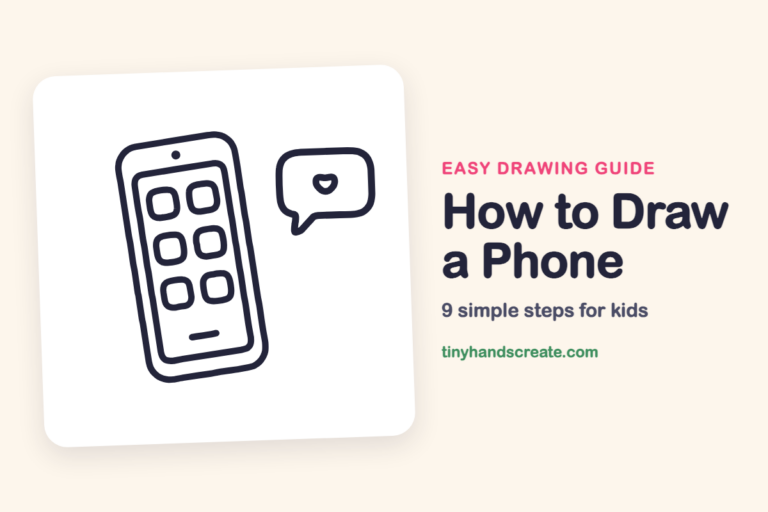
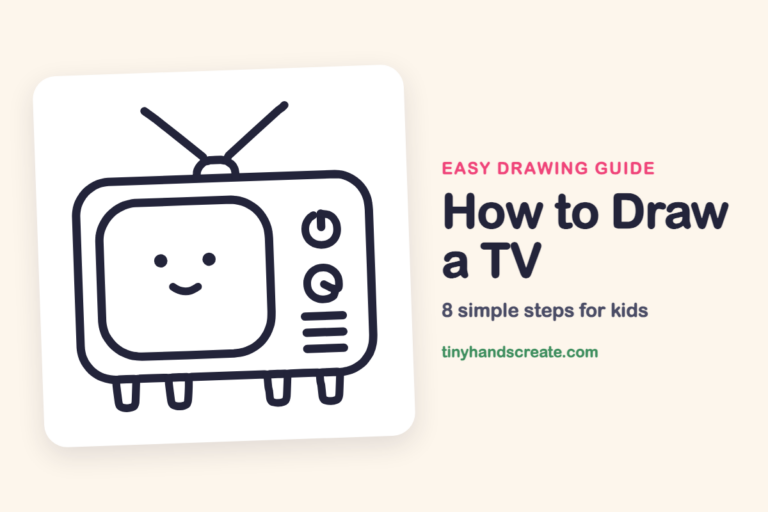
Finished your laptop? Keep the pencils out and learn how to draw a phone or how to draw a TV next.
Tips for drawing a laptop
- Tilt the lid and the screen the same way. If they lean in different directions, the laptop will look bent.
- The keys are the trickiest part. Draw the first key in each row, then space the rest by eye so they stay about the same size.
- Draw the touchpad after the keys so you can see how much room is left, and keep it in the middle of the base.
Free laptop coloring page
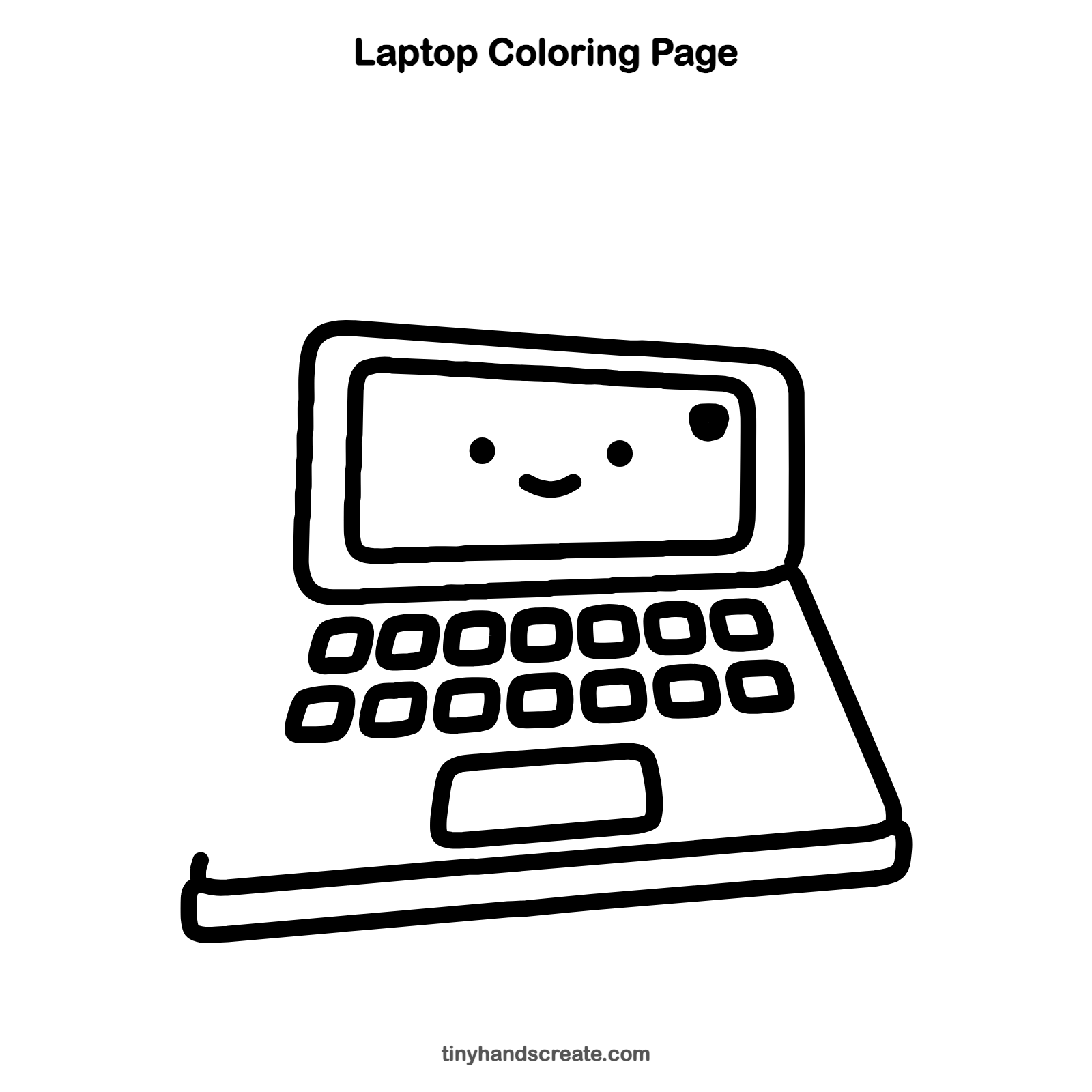
Want to go straight to coloring? Open this laptop coloring page at full size and print it. It is the same drawing you just learned, with clean lines ready for crayons or markers.
How to color your laptop drawing
Try a gray or sky blue lid with a bright screen and keys in a few different colors. For a creative twist, make the screen glow like a rainbow behind the smiley face.
Laptop fun fact for kids
The first laptops were so heavy that people called them luggables. Today many laptops weigh only a few pounds.
Questions about drawing a laptop
What shapes do I need to draw a laptop?
Mostly rounded rectangles and rounded squares. Use a big one for the lid, a smaller one for the screen, small ones for the keys and one wide one for the touchpad.
How do I make my laptop look cuter?
Add a smiling face on the screen with two dots for eyes and a curved mouth. A little dot in the corner adds extra charm.
How do I draw all the keys evenly?
Draw the first and last key of a row, then fill in the middle ones between them. Drawing a light guide line first can help keep each row straight.