How to Draw a Phone (Easy Step by Step)
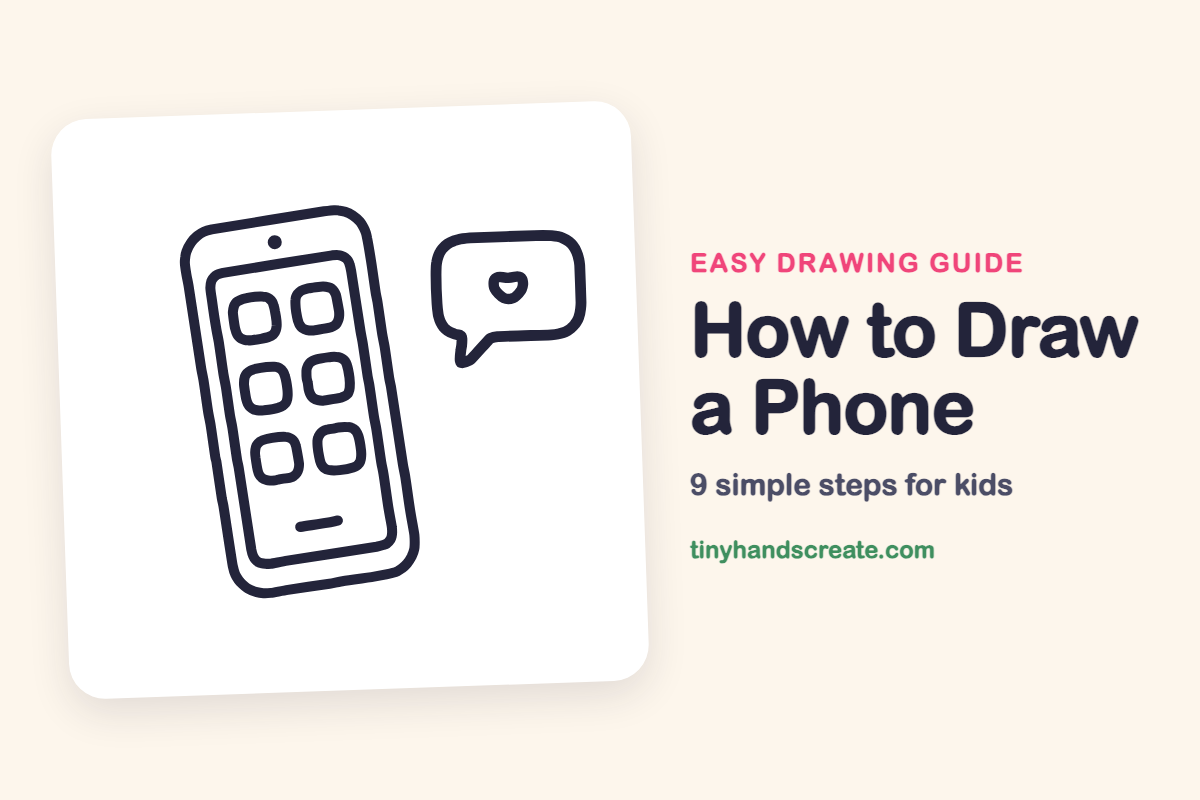
A phone is a great first drawing because it is mostly rectangles with round corners. You will draw a tall phone, six little app squares, and a speech bubble with a heart inside. Tilting the phone a bit makes it look like someone just set it down.
- Easy
- 10 minutes
- 9 steps
You need: paper, a pencil, an eraser, and crayons or markers for coloring.
Start drawingIn this article (7 sections)
How to draw a phone step by step
How to Draw a Phone · tinyhandscreate.com
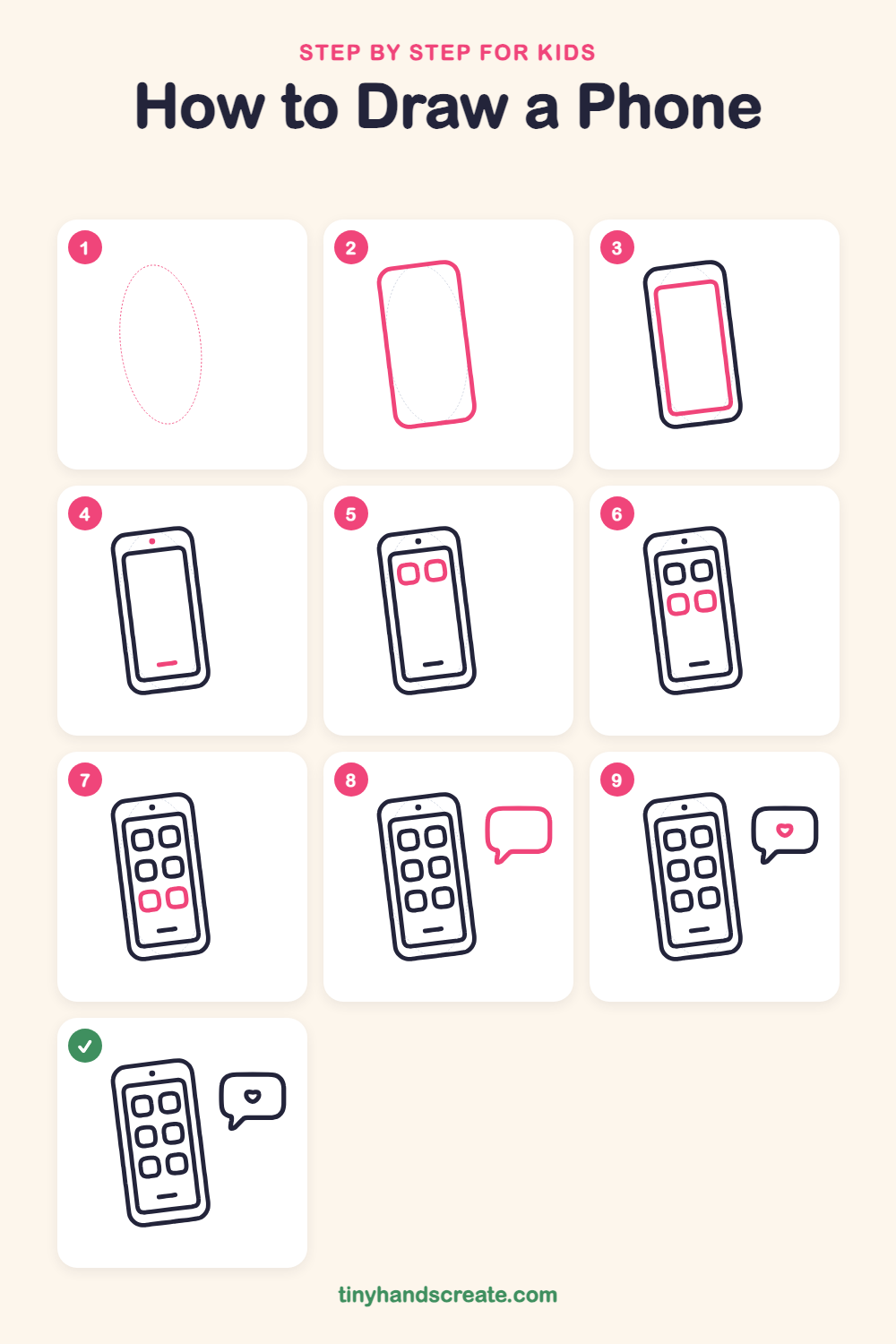
Step 1: Guide shapes
Lightly sketch this oval. It only shows where the big parts go, so press softly. You will erase it at the end.
Step 2: The phone body
Draw a tall rectangle with round corners, leaning just a little to one side. This is the outside edge of the phone.
Step 3: The screen
Inside the phone, draw a smaller tall rectangle with round corners. Leave an even gap between it and the outer edge, like a picture frame.
Step 4: Camera and home bar
Draw a small filled dot in the gap at the top for the camera. Then add a short, thick line near the bottom of the screen for the home bar.
Step 5: Top app icons
Near the top of the screen, draw two rounded squares side by side. Leave a little space between them.
Step 6: Middle app icons
Draw two more rounded squares in a row under the first pair. Try to make them about the same size.
Step 7: Bottom app icons
Add one last row of two rounded squares above the home bar. Now the screen has six apps.
Step 8: The speech bubble
Next to the phone, draw a wide rounded rectangle. At the bottom left, draw a little pointy tail that sticks out and joins back into the bubble.
Step 9: The little heart
Inside the bubble, draw a small heart. Start with two bumps on top and curve down to a point at the bottom.
All done!
Erase the guide shapes, go over your lines, then color it in.
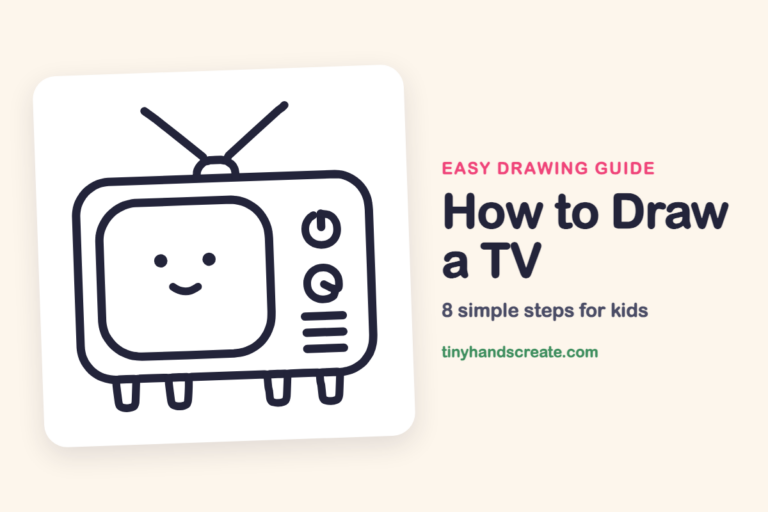
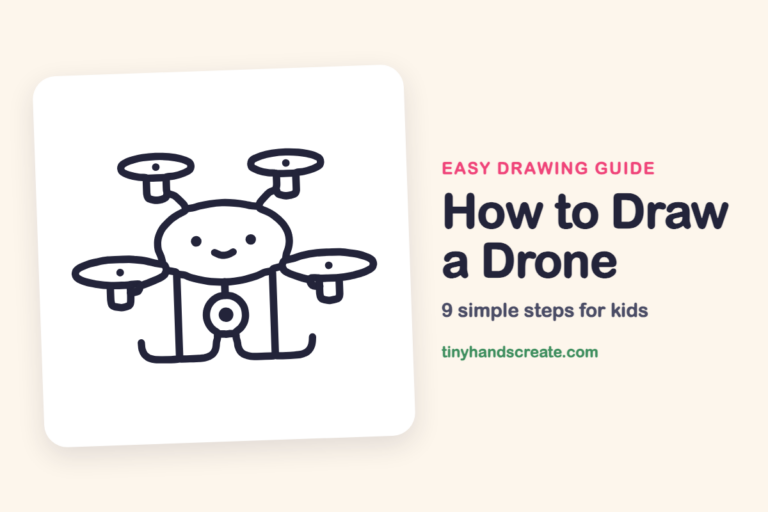
Finished your phone? Keep the pencils out and learn how to draw a TV or how to draw a drone next.
Tips for drawing a phone
- Draw the screen rectangle after the phone body, and keep the gap the same all the way around so it looks like a frame.
- The app squares are the trickiest part. Draw the top row first, then line up the next rows underneath them.
- For the speech bubble, draw the rounded rectangle first and add the little tail last. Make the tail short and pointy.
Free phone coloring page
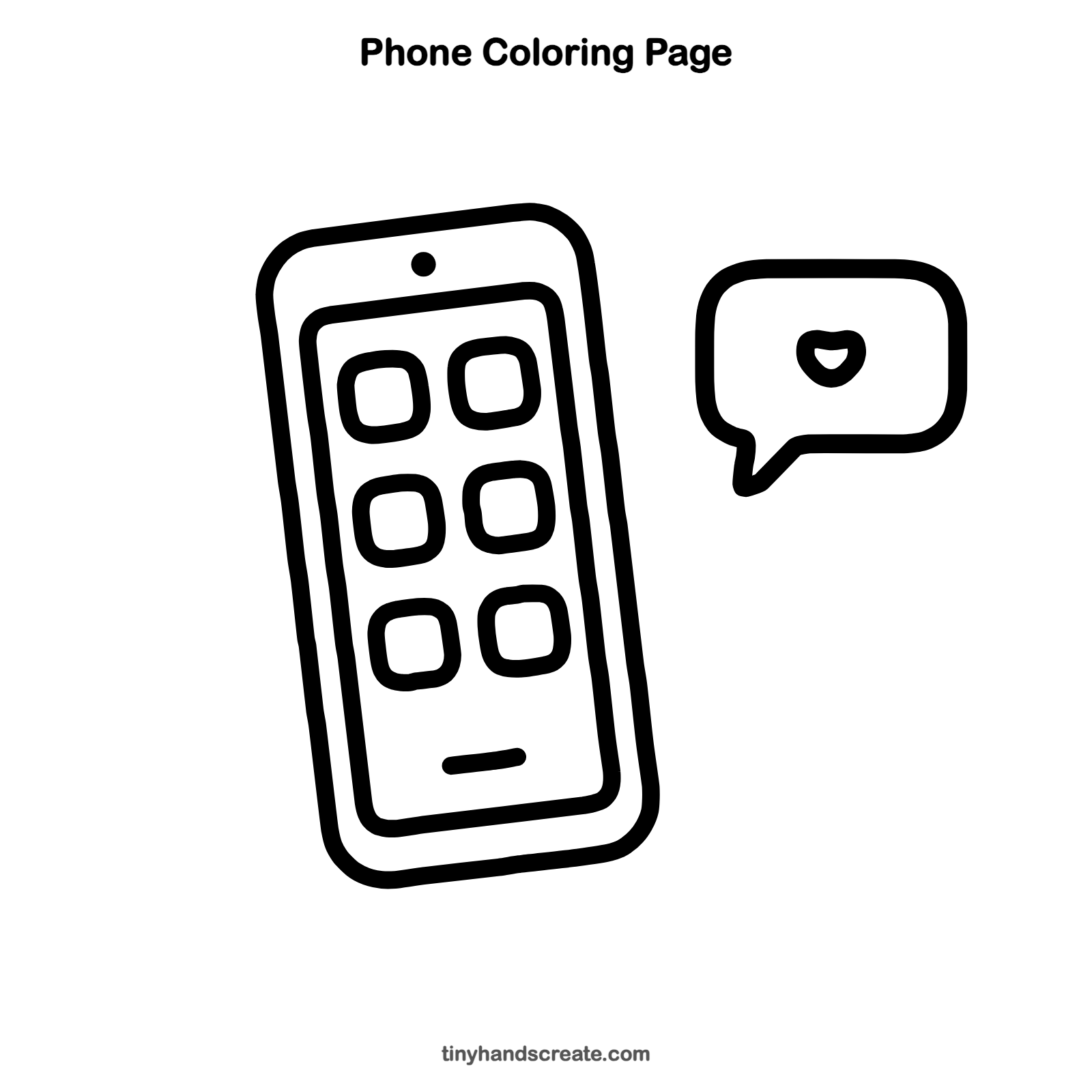
Want to go straight to coloring? Open this phone coloring page at full size and print it. It is the same drawing you just learned, with clean lines ready for crayons or markers.
How to color your phone drawing
Try a bright blue or purple for the phone body and give each app square its own color. For a creative twist, make the heart pink and add tiny pictures inside the apps, like a sun, a camera, or a music note.
Phone fun fact for kids
The first call on a handheld cell phone was made in 1973 by Martin Cooper of Motorola, and that early phone weighed more than two pounds.
Questions about drawing a phone
What shapes do I need to draw a phone?
You need tall rectangles with round corners, small rounded squares for the apps, a dot, and a short line. The speech bubble is a wide rounded rectangle with a small pointy tail.
How do I make my phone drawing look neat?
Draw a light oval first to get the size right, then draw the phone over it with a darker line. Keep the gap between the phone edge and the screen the same all around.
How do I draw a heart in a speech bubble?
Draw two small bumps side by side, then bring both sides down to a point at the bottom. Keep the heart small and put it inside the bubble.