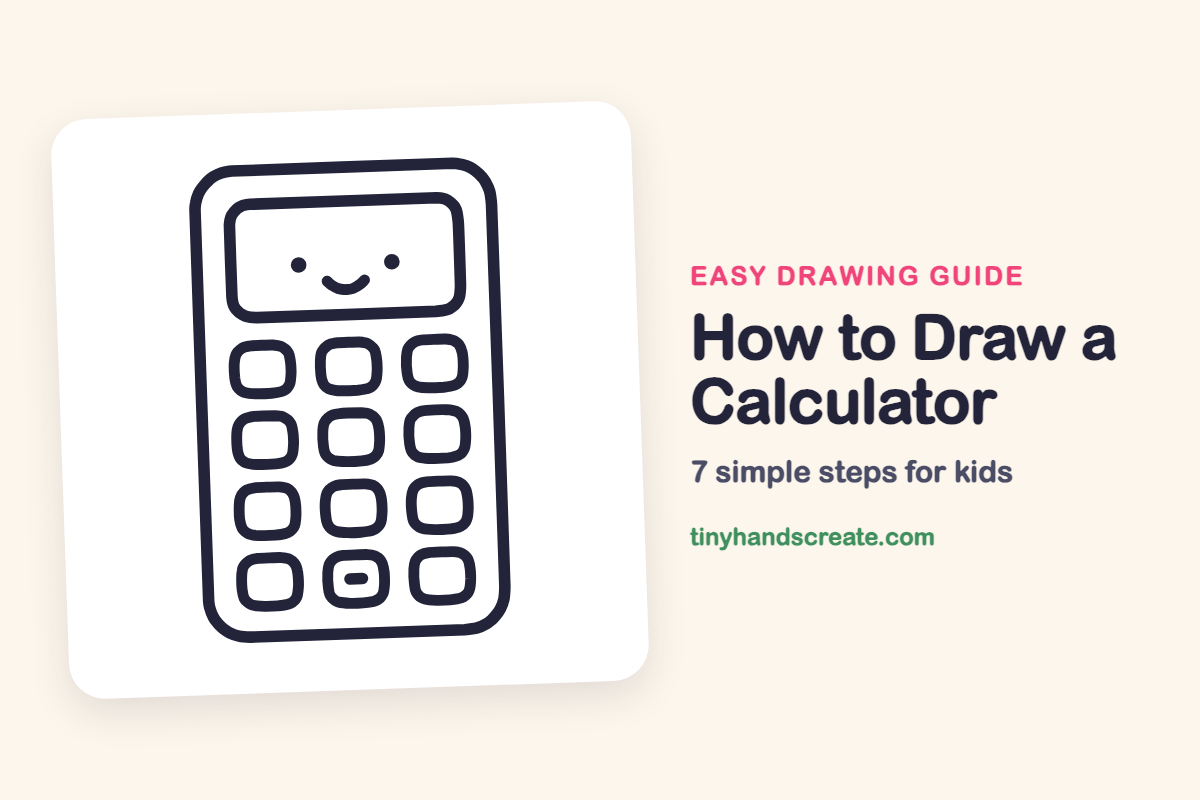
How to Draw a Calculator (Easy Step by Step)
This calculator has a smiling face on its screen and a neat grid of buttons, so it feels more like a friendly character than a tool. It is built from rectangles and rounded squares, which makes it a great first drawing for new artists. If you can draw a box with soft corners, you can draw this.
- Easy
- 10 minutes
- 7 steps
You need: paper, a pencil, an eraser, and crayons or markers for coloring.
Start drawingIn this article (7 sections)
How to draw a calculator step by step
How to Draw a Calculator · tinyhandscreate.com
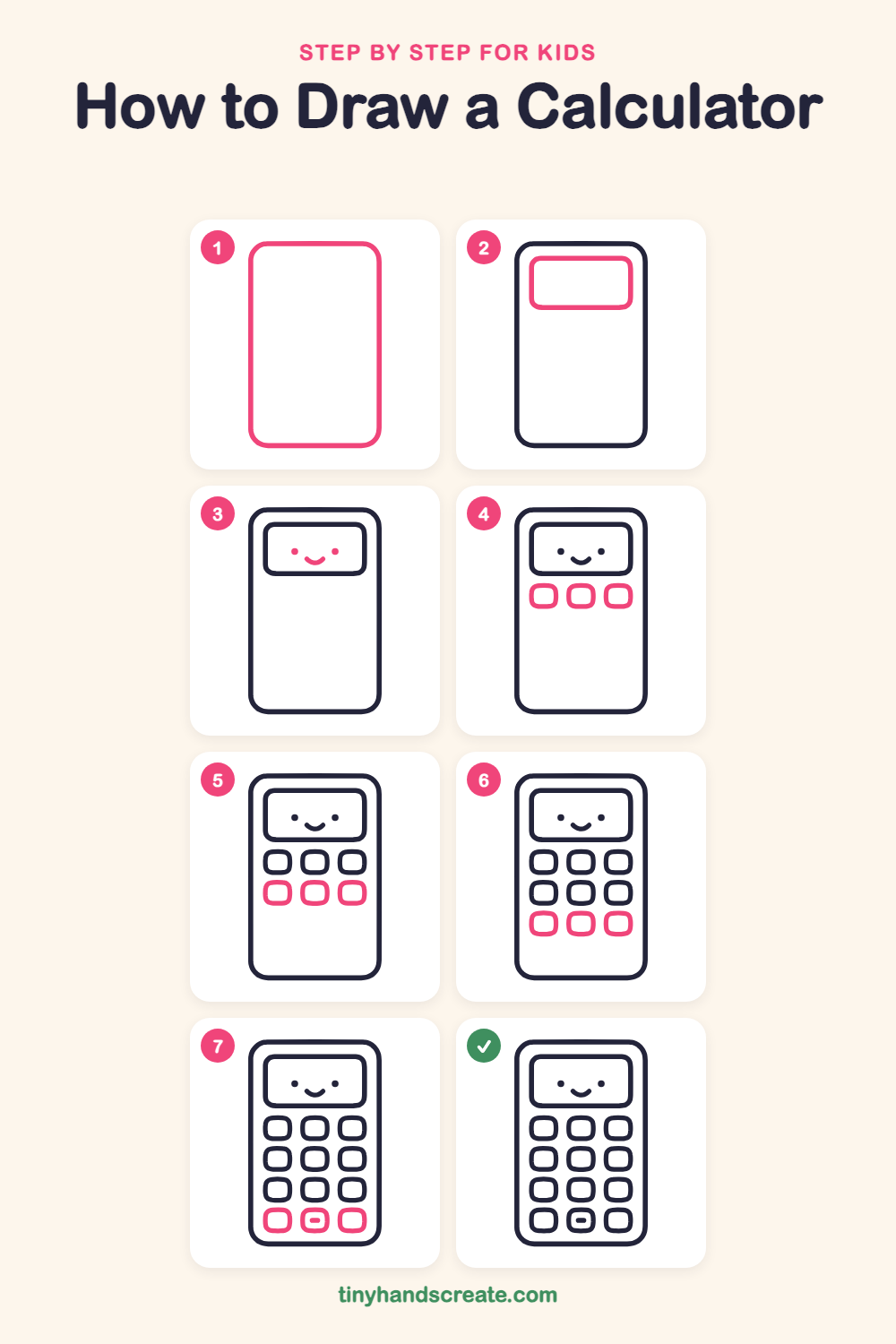
Step 1: The calculator body
Draw a tall rectangle with big rounded corners. Make it a little taller than it is wide, like a phone.
Step 2: The screen
Inside the top of the body, draw a wide rectangle with rounded corners. Leave a small gap between the screen and the edge of the calculator.
Step 3: The happy face
In the middle of the screen, draw two small dots for eyes. Then add a little curved smile between and below them.
Step 4: Top row of buttons
Under the screen, draw three small rounded squares in a row. Try to make them the same size with equal gaps.
Step 5: Second row of buttons
Draw three more rounded squares right under the first row. Line them up so each one sits below its partner.
Step 6: Third row of buttons
Add a third row of three rounded squares below the second row. Keep the columns straight from top to bottom.
Step 7: Bottom row and minus sign
Draw the last three rounded squares near the bottom of the calculator. Then add a short, fat dash inside the middle button for a minus sign.
All done!
Go over your lines with a marker, then color it in.
Finished your calculator? Keep the pencils out and learn how to draw a notebook or how to draw a glue bottle next.
Tips for drawing a calculator
- Draw the buttons in rows, not one at a time. Finish a whole row before you start the next so they stay lined up.
- The twelve buttons are the trickiest part. Make the first one, then use it as your size guide for all the others.
- Keep the smile small and the dots far apart. A tiny curve between two wide eyes makes the face look sweet.
Free calculator coloring page
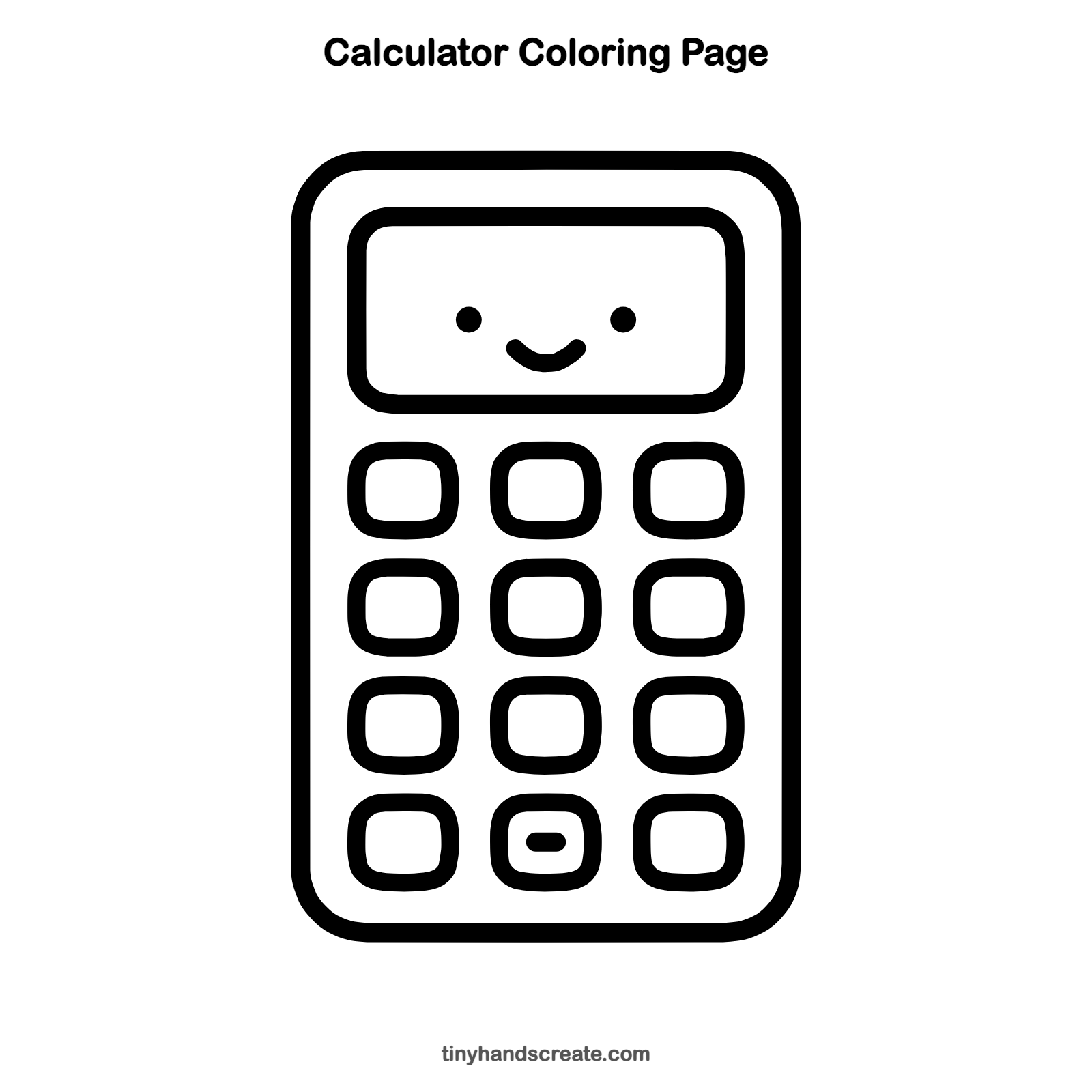
Want to go straight to coloring? Open this calculator coloring page at full size and print it. It is the same drawing you just learned, with clean lines ready for crayons or markers.
How to color your calculator drawing
Try a soft blue body with a light green screen and a different color for each row of buttons. For a fun twist, color the middle button in the bottom row a bright color so the minus sign stands out.
Calculator fun fact for kids
The word "calculate" comes from the Latin word "calculus," which means a small pebble. People long ago used pebbles to count and do sums.
Questions about drawing a calculator
What shapes do I need to draw a calculator?
You only need rectangles with rounded corners. One big one is the body, a wide one is the screen, and small ones are the buttons.
How do I make all the buttons the same size?
Draw light guide lines across the page for each row, and use the same box width for every button. Erase the guide lines when you are done.
How do I make my calculator look cuter?
Add a smiling face to the screen with two dots and a curve. Rounder corners on the body and buttons also make it look friendlier.