
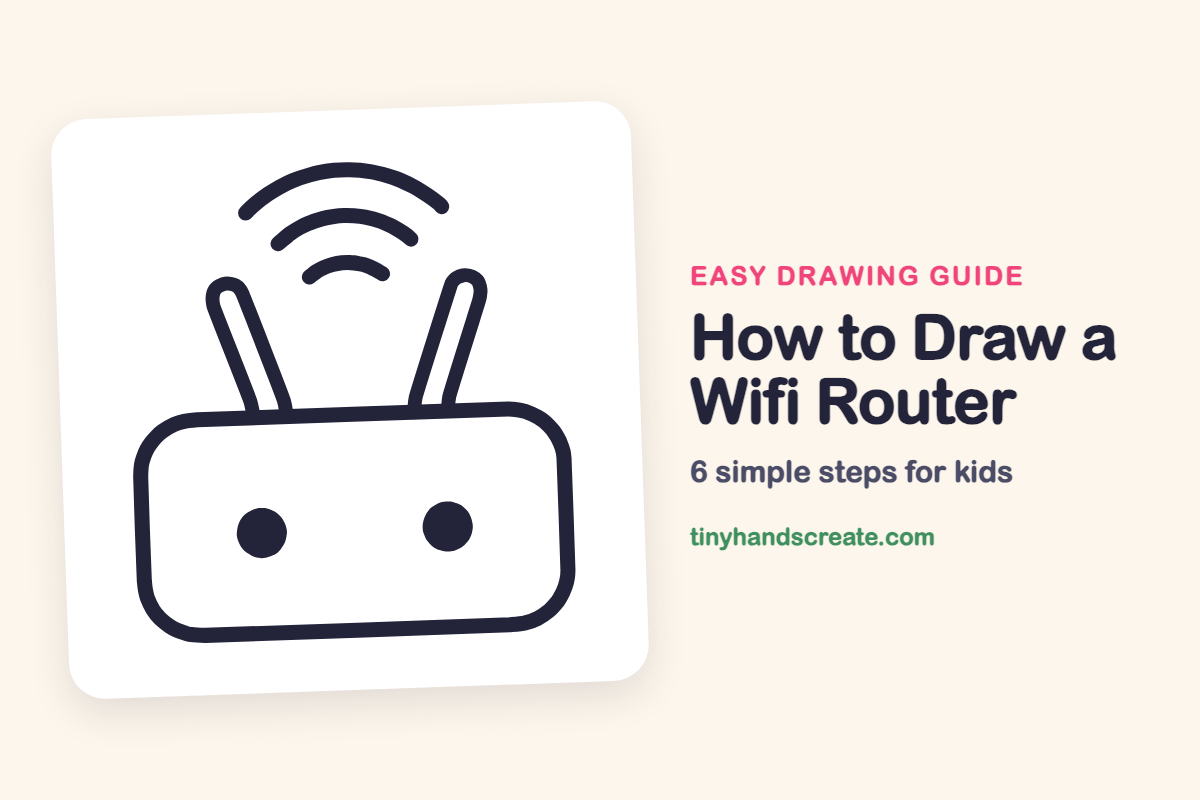
How to Draw a Wifi Router (Easy Step by Step)
Learn to draw a fun wifi router using simple shapes like a rounded rectangle, sticks, and curved lines. This easy step-by-step guide is perfect for practicing basic drawing skills.
- Draw a wifi router using just a few simple shapes.
- Practice drawing rounded rectangles, straight lines, and curves.
- Add two dots to give your router drawing a fun robot face.
- Use this guide as a great first drawing for kids.
This post contains affiliate links. As an Amazon Associate I earn from qualifying purchases.
A wifi router is a fun drawing because it is made from just a few simple shapes: a rounded rectangle, two long sticks, three curved lines, and two dots. With the two dots it can even look like a little robot face. It is a great first drawing for kids who want to practice curves and straight lines.
- Easy
- 10 minutes
- 6 steps
You need: paper, a pencil, an eraser, and crayons or markers for coloring.
Start drawing


In this article (7 sections)
How to draw a wifi router step by step
How to Draw a Wifi Router · tinyhandscreate.com
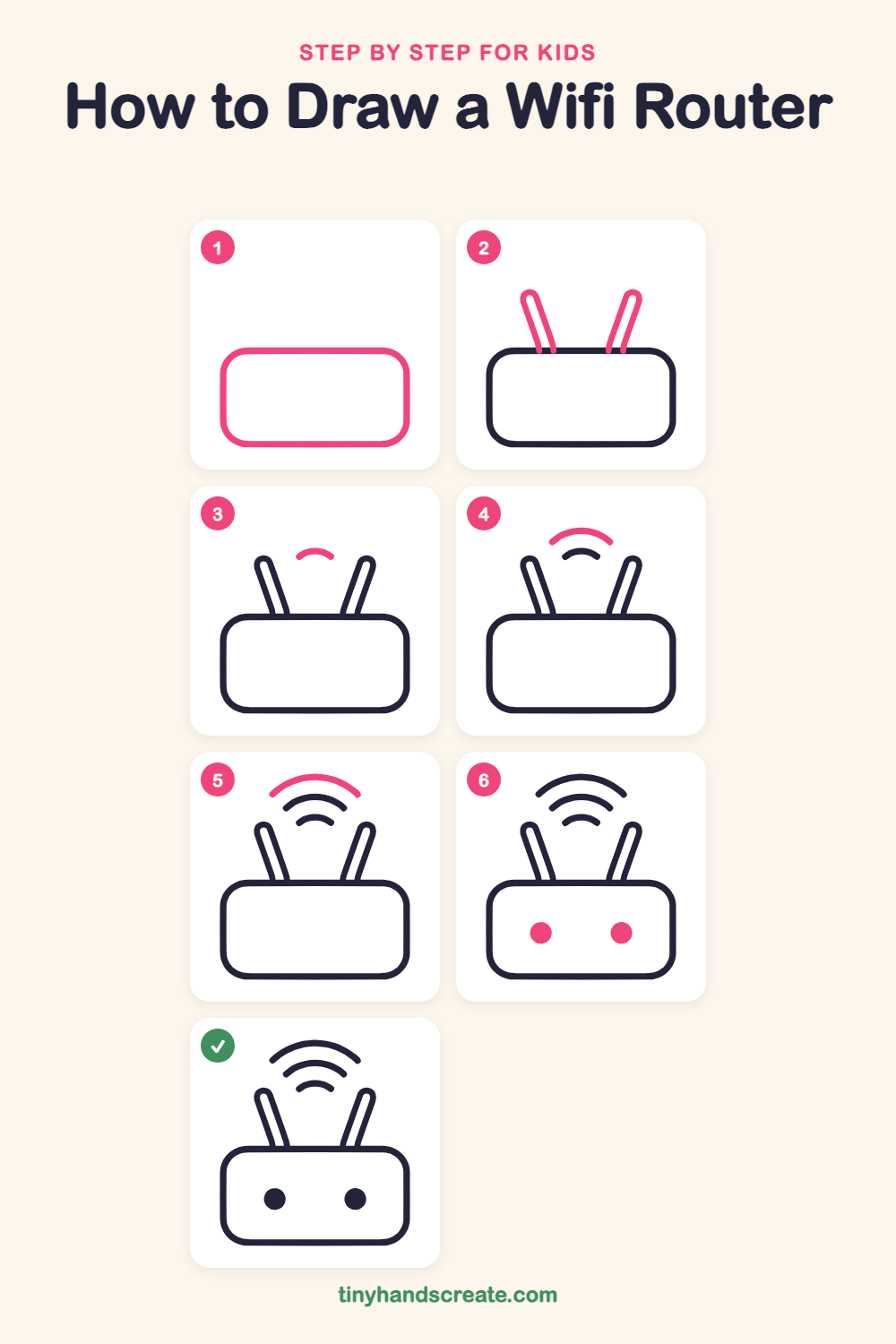
Step 1: The router body
Draw a wide rectangle with big rounded corners, like a chunky pillow lying on its side. Make it fill the bottom part of your page.
Step 2: The two antennas
On top of the body, draw two long, skinny sticks with rounded tips. Make them lean away from each other like a V, with each one starting at the top edge of the body.
Step 3: The small signal wave
Between the antennas, a little above the body, draw a short curved line like a small rainbow.
Step 4: The middle signal wave
Draw a longer curve above the small one. Keep the same shape, just a little wider, like a bigger rainbow.
Step 5: The big signal wave
Add the widest curve at the very top, above the other two. Now the waves look like they are spreading out into the air.
Step 6: The two lights
Inside the body, draw two round dots side by side, one on the left and one on the right. Fill them in so they look like two little eyes.
All done!
Go over your lines with a marker, then color it in.
Finished your wifi router? Keep the pencils out and learn how to draw a rocket or how to draw a shooting star next.
Tips for drawing a wifi router
- Draw the body first and make the corners really round. Think of a bar of soap or a pillow.
- Draw the two antennas leaning the same amount in opposite directions, and give each one a rounded tip.
- For the signal waves, start with the smallest curve and make each new one a little wider. Keeping the spaces between them even makes them look neat.
Free wifi router coloring page
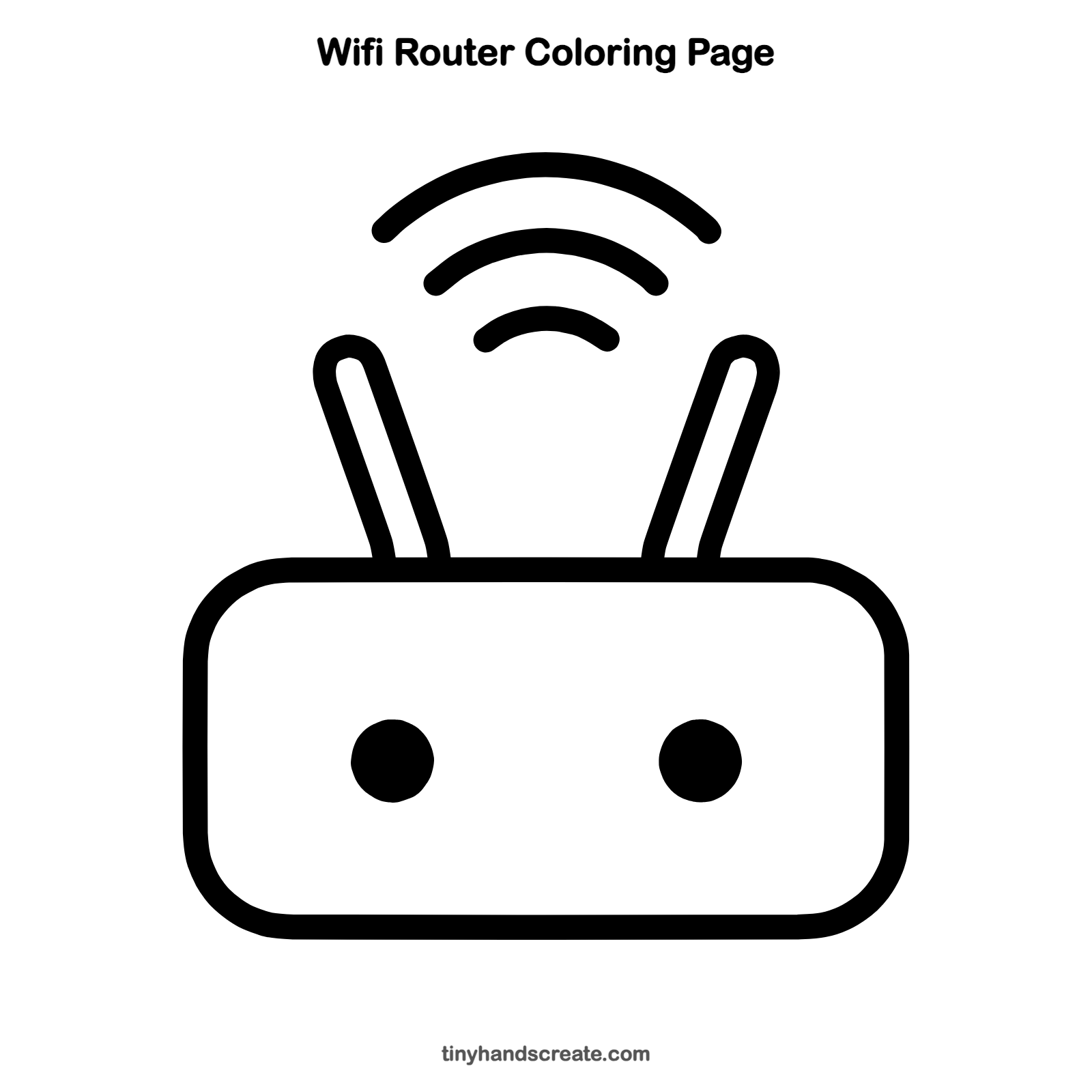
Want to go straight to coloring? Open this wifi router coloring page at full size and print it. It is the same drawing you just learned, with clean lines ready for crayons or markers.
How to color your wifi router drawing
Try a bright blue or green body with gray antennas and rainbow-colored signal waves. For a creative twist, color the two dots in different colors so your router has a silly personality.
Wifi router fun fact for kids
Wifi sends information through the air as invisible radio waves, which is why the signal waves in router drawings are shown as curved lines spreading outward.
Questions about drawing a wifi router
What shapes do I need to draw a wifi router?
You need a rounded rectangle for the body, two long skinny sticks with rounded tips for the antennas, three curved lines for the signal, and two filled dots.
How do I make my wifi router look cuter?
Make the corners of the body extra round and puffy, and keep the two dots far apart so they look like big friendly eyes.
How do I draw the wifi signal waves?
Draw a small curve first, then a bigger one above it, then the biggest one at the top. Keep each curve the same shape and space them evenly.